費用内訳

わずか3ステップで、神級の音楽プロンプトを作成
アイデアを投げ込む
「学習中に聞くのに適した静かなピアノ曲」や「製品発表用のアップテンポな曲」など、あなたの漠然としたアイデアを日常的な言葉で書き留めてください。短い一文で開始できます。
気になる詳細を設定する
ジャンル、ムード、テンポ、楽器、ボーカルスタイルなど、明確に要求したい部分を指定してください。あなたが知らない、または気にしない部分は、ツールに自動補完させましょう。
プロンプトを持って曲を生成する
作成したプロンプトをSunoPromptの音楽生成メインサイトや、普段お使いのAI音楽ツールにコピーして生成をクリックしてください。曲が少し物足りない場合は、プロンプトを微調整して再度実行してください。
未完成のアイデアを入力し、プロフェッショナルなブリーフィングを受け取る
完璧なプロンプトを持ってここに来る必要はありません。「Vlogに適したチルミュージック」や「超アップテンポなオープニング曲」のような一文があれば十分です。ジェネレーターがこの概念を引き継ぎ、肉付けして、血肉の通ったプロンプトに拡張します。 返ってくるのは、あなたが最初に入力した3つの単語ではなく、音楽エンジンが実際に読み取る必要がある、非常に専門的な段落です。ジャンルとムードを正確に決定し、適切なテンポと楽器編成を構成し、さらには曲の構成とプロダクションの質感まで設定します。
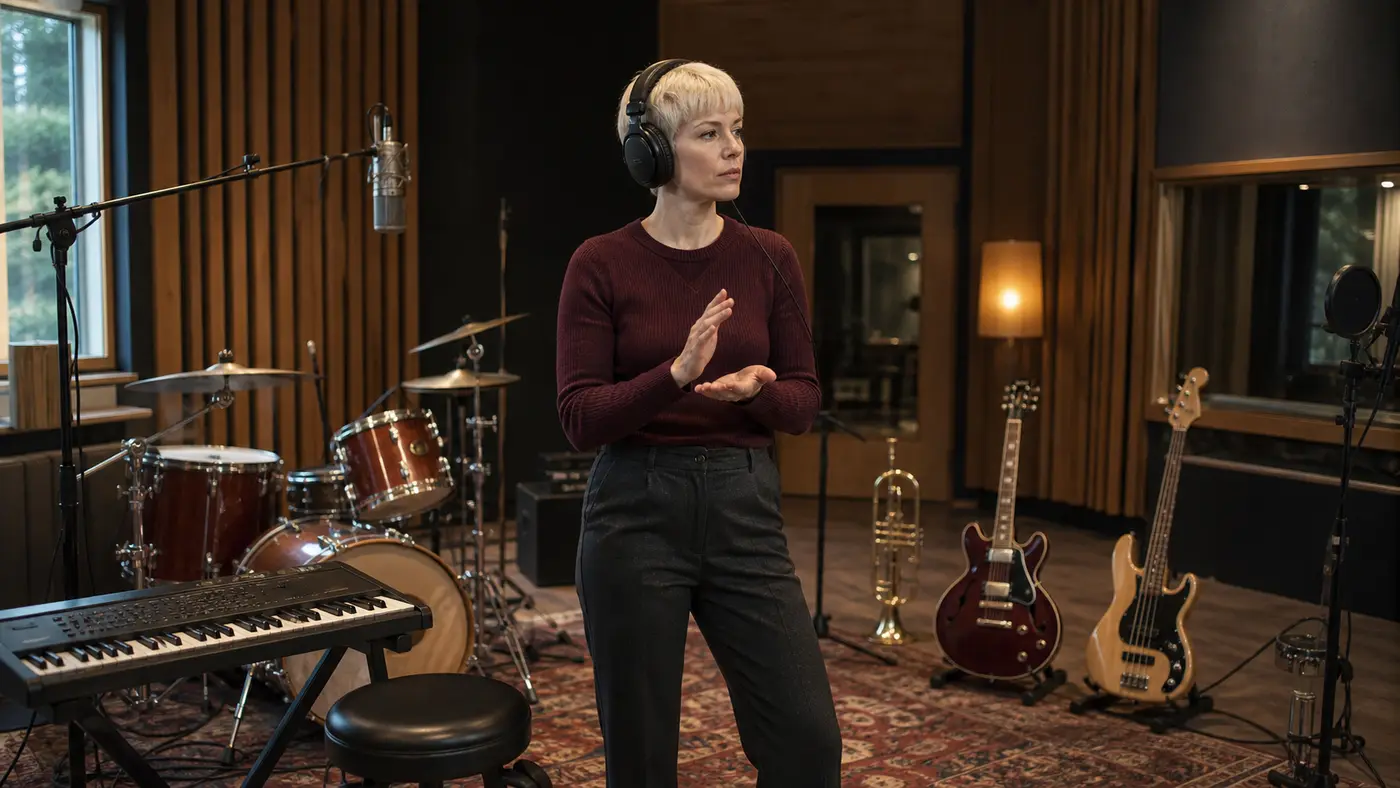
プロンプトは、生成の前に勝負が決まる
AIが生成する曲が非常に平凡で定型的である場合、問題は通常、上流の段階、つまりプロンプトにあります。「悲しい歌を書いて」とだけ入力すると、AIはジャンル、テンポ、楽器、構成を推測しなければなりませんが、そのほとんどはあなたが望むものではありません。 このツールは、音楽生成の前に、この穴を塞ぎます。プロンプトを代わりに作成し、曲の方向性を制御する重要な要素を正確に命名することで、生成エンジンが「願い事」からではなく、ハードコアな「制作ブリーフィング (Brief)」から作業を開始できるようにします。プロンプトを正確に掴んで初めて、その曲は際立つ機会を得られます。
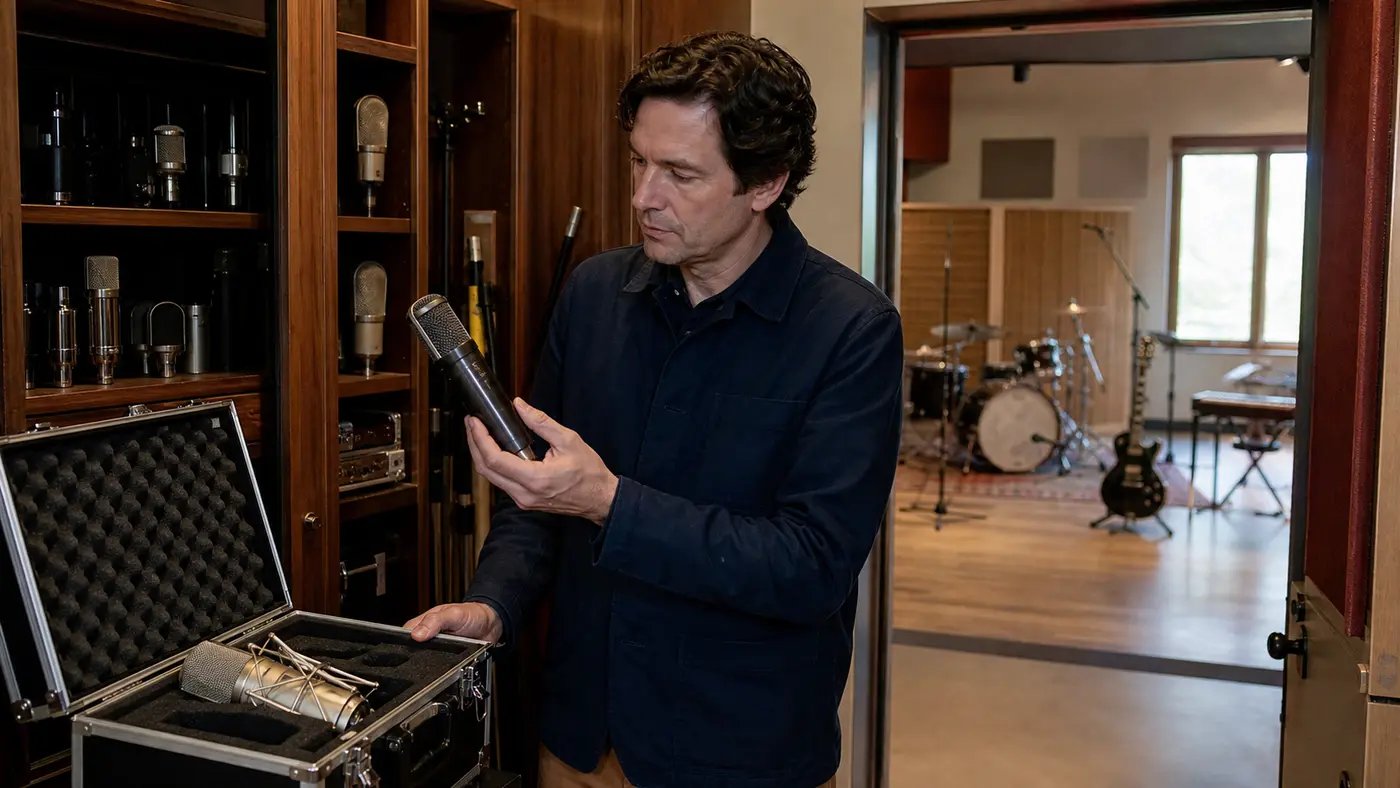
なぜここでプロンプトを磨くべきなのか
これは「音楽エンジンが本当に見たい指示」を生成できるプロンプトの神器です。未完成のアイデアを入れて、的確なフルレベルのプロンプトを手に入れましょう。
よりハードコアなプロンプト、よりトップレベルの曲
あらゆるAI音楽ツールの最終的な出力は、プロンプトに大きく依存します。論理的に明確なプロンプトを構築するのに少し時間をかけることが、頭の中の曲に近づくための最も安価で最も近道な方法です。
ひらめきのアイデアをプロフェッショナルなブリーフィングに変える
あなたは断片的な言葉をもたらし、ツールは完全な長文プロンプトを返します。「想像したイメージ」と「エンジンが必要とする指示」の間のギャップは完全に埋められます。
あなたが絶対に思いつかない盲点のパラメータをカバーする
ジャンルを決定するのは最も簡単です。しかし、テンポ、楽器、構成、ダイナミクス、ボーカルスタイルを設定することもできます。これらは曲の方向性を真に変える要素でありながら、普通の人々はしばしば確率に任せてしまうハードコアなパラメータです。
ゼロから始められる、特別な「呪文」の知識は不要
日常的な言葉が最も完璧な出発点です。専門的な音楽用語は自動的に埋められるため、神級プロンプトを手に入れる前に、プロンプトの書き方を苦労して学ぶ必要はありません。
無料で構築し、自由に試行錯誤する
プロンプトジェネレーターは完全に無料です。あなたは、プロンプトが完璧に近づくまで、遠慮なくそれをこねくり回し、変更することができます。そして、それをクレジットを消費して曲を生成するために使用します。
神級プロンプトを持ってどこへでも行く
純粋なテキストなので、どこでもスムーズに使えます。SunoPromptのジェネレーターで実行するか、現在使用しているあらゆるAI音楽ツールに直接投げ込んでください。どこに持っていっても大活躍します。
万能ツールボックス
最高のプロンプトから完全なシングルまで
プロンプトは単なる入り口です。SunoPromptのコア生成ツールは、この指示を実際に曲に変え、歌詞を埋めるのを助けます。
AI音楽生成メインサイト (Music Generator)
プロンプトが蝶になる場所。作成したプロンプトを貼り付けて曲を生成し、聞いてもしどこかの方向性が間違っていると感じたら、いつでもプロンプトを編集しに戻ってください。
テキストから音楽へ (Text to Music AI)
プロンプトを直接エンジンに供給します。音楽をテキストで直接記述し、すぐに聞くことを好む場合は、このツールを使えばあなたのテキストが直接音軌になります。
AI歌詞ジェネレーター (Lyrics Generator)
「何を歌うか」の問題を解決します。いくつかの詳細を使って完全な歌詞を生成し、それをあなたの神級プロンプトと組み合わせて、歌に意味を持たせましょう。

その他のAI音楽ツールを探す
誰が自分のプロンプトを救済する必要があるのか
「缶詰音楽」に悩まされている人
生成された曲が平凡すぎると感じ、プロンプトが間違っているのではないかと疑い始めている
生成器に明確な的を狙ってほしい、当て推量させたくない
平凡な3つの単語ではなく、ハードコアな制作ブリーフィングが必要
Sunoプロンプトジェネレーターを徹底解剖
Sunoプロンプトジェネレーターは、無料の補助ツールです。あなたの曖昧なアイデアを構造化された音楽プロンプトに変換し、ジャンル、ムード、テンポなどのすべてのハードコアパラメータを決定するのを助け、完璧なブリーフィングを持ってあらゆる音楽生成器を征服できるようにします。
プロンプトを書くだけで、曲は書かない
これは音楽が生まれる前の最も重要なステップです。あなたがアイデアを与えると、音楽生成器が読み取るテキスト指示を生成し、すべての音楽の詳細を明確に配置します。実際の「作曲」は次のステップで行われます。このプロンプトをSunoPromptの音楽メインサイトや他のAIツールに投げる時です。プロンプトの土台をしっかり固めることが、ここでの唯一の任務です。
なぜプロンプトが真のボトルネックなのか
AIが生成する曲が缶詰音楽のように聞こえるとき、人々はモデルのせいにする傾向がありますが、真の限界はしばしばプロンプトにあります。曖昧な指示は、何千もの音楽決定権をAIに「サイコロを振らせる」ように委ねるようなものです。一方、ジャンル、テンポ、楽器編成を明確に指定したプロンプトは、これらの当て推量を排除します。だからこそ、プロンプトがハードコアであるほど、曲はトップレベルになります。
音楽の方向性を動かす実際の操作レバー
優れた音楽プロンプトは、単なるジャンルタグではありません。このツールは、出力結果を変更できるすべてのノブをカバーしています:スタイルとジャンル、ムード、リズムとテンポ、楽器編成、構成、ダイナミクス、プロダクションの質感、ボーカルスタイル。あなたが漏らした部分は、ツールが補完し、この文字列を単なる孤立した形容詞ではなく、プロフェッショナルなブリーフィングのように見せます。
未完成のアイデアを入力し、最高の指示を出力する
あなたが種を与えれば、それは形を整えます。「結婚式に適した温かいアコースティックギター」と入力すると、優れたテンポ、楽器編成、リラックスした構成、そして完璧にマッチするボーカルスタイルを含むハードコアなプロンプトが得られます。「あなたの頭の中で想像したイメージ」と「AI音楽エンジンが実際に聞きたい指示」の間の大きなギャップは、このツールによって埋められます。
これで、あらゆるジェネレーターを征服する
プロンプトは手段であり、目的ではありません。それをSunoPromptの音楽生成メインサイトに貼り付けて効果を確認するか、普段お使いのAI音楽ツールに投げ込んでください。純粋なテキストなので、試行錯誤のコストは非常に低いです:プロンプトの単語を一つ変更し、再生成して、あなたが望む曲を正確に狙い撃ちしてください。
自分で貧弱なキーボードを叩くのと本質的に何が違うのか
曲ではなくプロンプトを書くため、ほとんどのAI音楽が「スタートラインでつまずく」問題を解決します – 生成の前段階です。
曲の構成、ダイナミクス、ボーカルスタイルなど、あなたが忘れがちな制御次元を補完します。これは、あなたが最初に考えた「ジャンル」をはるかに超えています。
漠然としたアイデアで十分です。プロンプトの書き方を学ぶ必要は全くありません。あなたが大まかに何を望んでいるかを知っているだけで十分です。
完全に無料であり、「ポータブル」です。SunoPromptのエンジンで使用することも、有料会員になっているあらゆるAI音楽ツールに持ち込むこともできます。