Cost Breakdown

How to build a song structure in three steps
Say what the song is
Give it the basics, the kind of song and roughly how long or how many sections you want. A ballad and a club track want different shapes, so a little context helps.
Get the section map
It returns the sections in order with their tags, an opening, verses, choruses, a bridge, a close, arranged into an arc rather than a loop of the same part.
Drop it into your lyrics or prompt
Paste the structure into the lyrics or prompt field and generate. Reorder a section or add one, and run it again if the shape needs adjusting.
The section map, tagged and sequenced
The layout comes back as an ordered set of sections with the tags a music tool reads, [Verse], [Chorus], [Bridge], sequenced so each part lands where it should. Not a wall of repeats, but a plan: where the first chorus hits, where the bridge turns, where it closes. You drop that into your lyrics or prompt, and the song gets built to the shape instead of drifting into one. Change the order, add a section, and the arc changes with it.
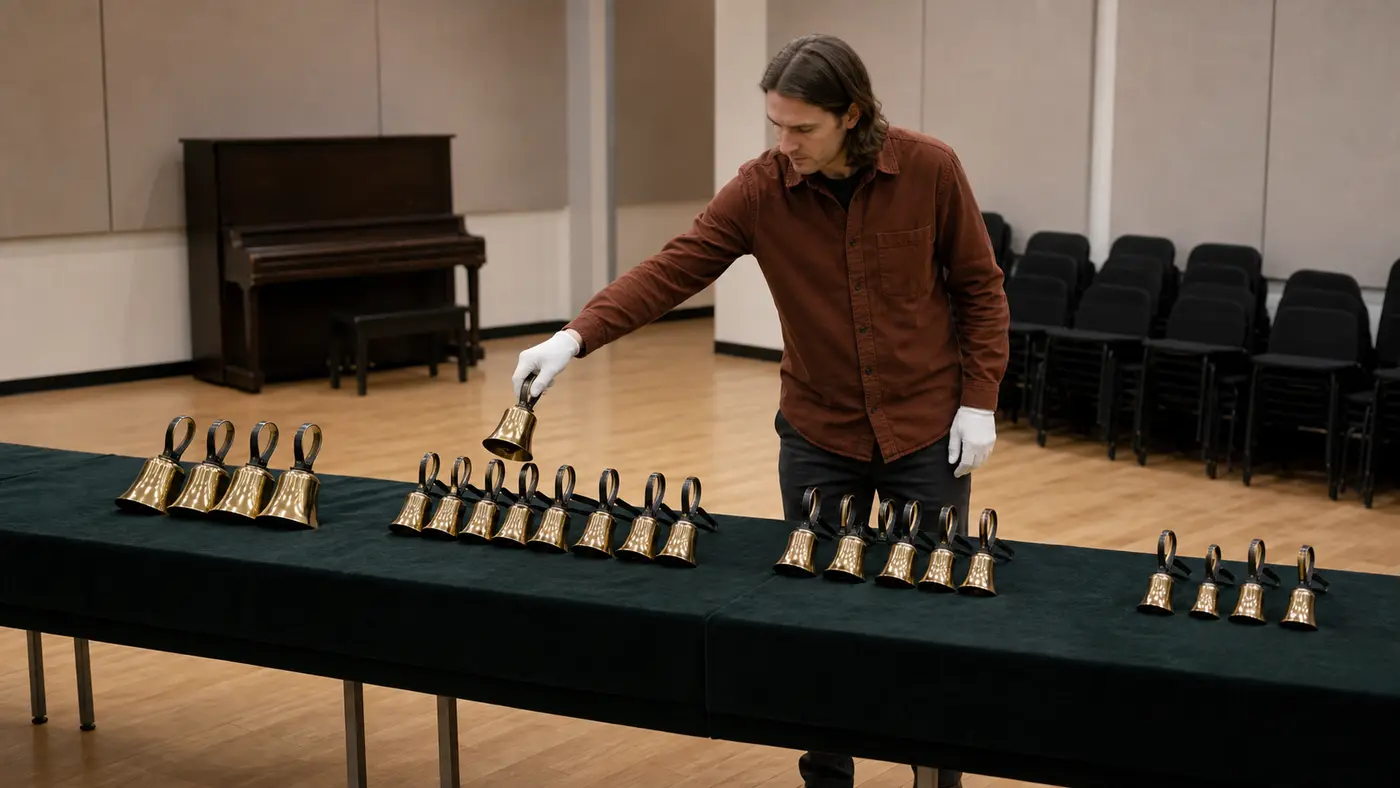
A song needs a shape, past the sound
Get the sound right and the song can still wander. It loops the same idea, never lifts, and ends because it ran out of time rather than because it arrived. That is a structure problem, not a sound one. This lays out the shape. It orders the sections into an arc, an opening that sets up, a build, a chorus that pays off, a turn before the end, so the track goes somewhere instead of circling. You bring the idea, it maps how the song moves through it.
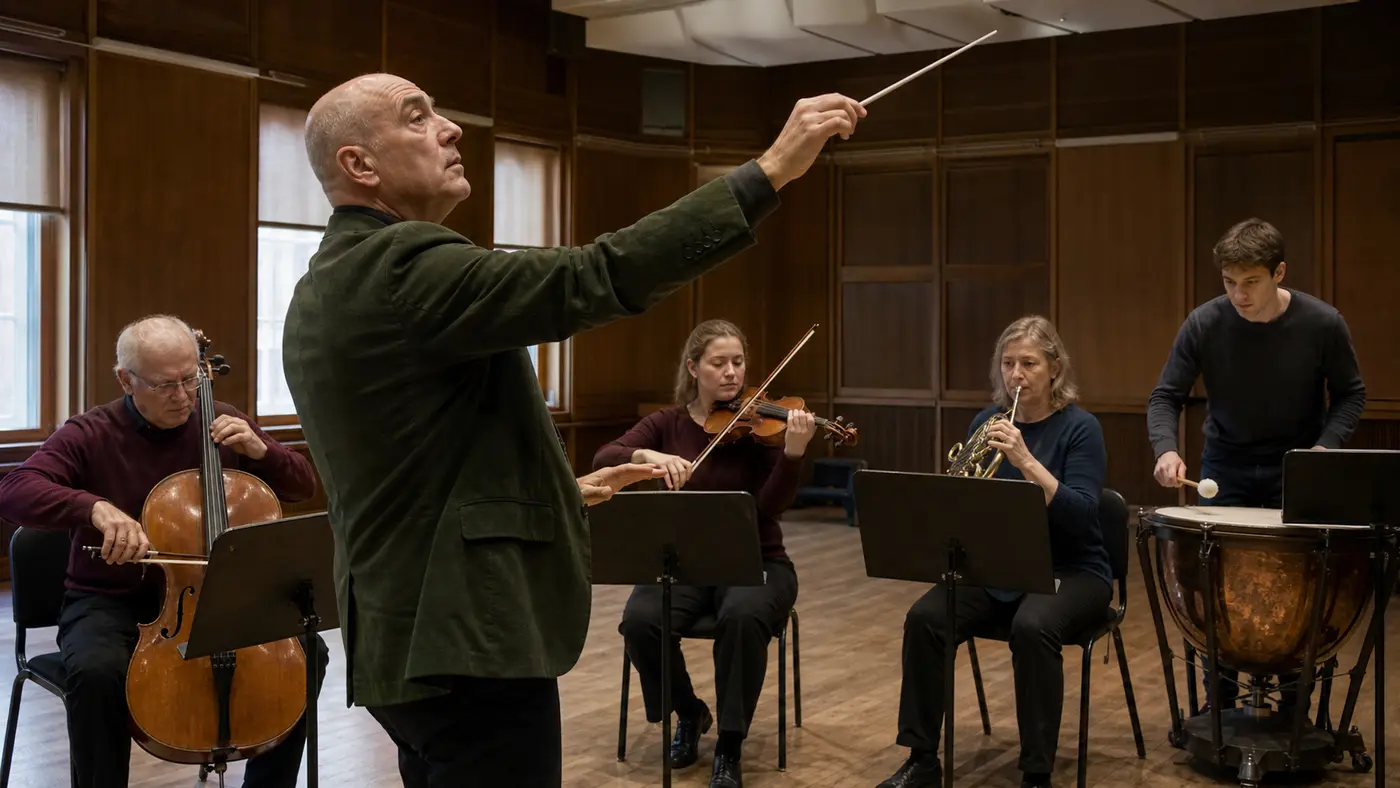
Why map your structure here
The Suno Song Structure Generator lays out the section order a song is built from, so the track has an arc and lands instead of looping.
A shape, not a loop
The sections come ordered into an arc, so the song builds and pays off rather than circling one idea until the time runs out.
Every part in its place
Intro, verse, chorus, bridge, close, sequenced so each does its job. The tool treats a chorus as a return and a bridge as a turn, because they are tagged as such.
The turn and payoff land right
Placement is the point. The bridge sits where it earns the last chorus, and the first chorus hits before people drift, so the arc actually pays off.
It pairs with your sound
Structure is the shape, style is the sound. Set both on purpose and the song has a build and a look, instead of leaving one of them to chance.
Easy to rearrange
The layout is tagged and ordered, so reshaping is moving parts. Add a verse, shift the bridge, cut a repeat, without rewriting the whole thing.
It travels between tools
A section layout is plain text, so it drops into Suno or another tool's lyrics or prompt just the same, and the structure you set comes with it.
Full Toolkit
Shape, sound, and words
Structure is one of three things a song needs. The rest of SunoPrompt covers the sound it makes and the words it carries.
Suno Style Tags Generator
The sound to the structure's shape. Set the genre, mood, and instruments as style tags, then pair them with the section layout so the song has a look and a build.
AI Lyrics Generator
The words that fill the sections. It writes lyrics already tagged by part, so the verses and chorus you write sit inside the structure you laid out.
AI Music Generator
Where the shape becomes a song. Paste the structured lyrics or prompt in and generate, then adjust a section and run it again if the arc needs work.
Explore more
Who maps the structure
People whose songs wander
Your tracks loop the same idea and never lift
The song ends because it ran out, not because it arrived
You want an arc, a build and a payoff, not a repeat
What the Suno Song Structure Generator does
The Suno Song Structure Generator lays out a song's structure, the ordered map of sections with tags like [Verse], [Chorus], and [Bridge], so the track builds and lands instead of wandering, ready to drop into your lyrics or prompt.
Structure is the shape, not the sound
A style tells a tool what the song sounds like. A structure tells it how the song is built over time, which section comes when. Those are two different jobs. You can nail the sound and still get a track that loops because the shape was never set, which is the gap this fills.
The parts and the jobs they do
Sections are not interchangeable. An intro sets the scene, a verse moves the story forward, a chorus returns as the anchor, a bridge breaks the pattern before the last stretch, and a close lands it. The tags a music tool reads, like [Verse], [Chorus], and [Bridge], mark those jobs so the tool treats each part as what it is.
Where the turn and the payoff go
A shape is about placement. Hit the chorus too late and people leave; front-load everything and there is nowhere to build. Put the bridge in the right spot and the last chorus lands harder. This arranges the sections so the song has an arc, tension that rises and a release that pays it off.
A layout you can rearrange
The structure comes back as an ordered, tagged plan, so it is easy to change. Add a second verse, move the bridge earlier, cut a repeat that dragged. Because the sections are labeled and sequenced, reshaping the song is a matter of moving parts, not rewriting the whole thing.
Then it goes in your lyrics or prompt
The layout is plain text. Drop it into the lyrics body or the prompt of a music tool, and the song gets built to that shape. This handles the arrangement step, so what you hand the generator already knows where it is going instead of finding out as it plays.
How it differs from style and prompt tools
It shapes the song over time. The section order and the arc are its job, not the timbre or the genre.
It sequences with an arc, not a loop. Build, return, turn, close, placed so the song goes somewhere.
It uses the section tags a tool reads, like [Verse], [Chorus], and [Bridge], laid out in order in the body.
It pairs with a style, not replaces it. Structure is the shape, style is the sound, and a song usually wants both set on purpose.
The layout is portable and rearrangeable. Move a section, drop it into Suno or another tool, and reshape without starting over.