AI EDM Generator
Loading...
How to make EDM with AI
Pick your sub-genre and set the scene
Fill in the style field with a specific EDM sub-genre. Then use the long field to describe the energy: a venue, a crowd size, a time of night. The more physical the description, the more the AI has to work with.
Choose a voice direction
Select Male, Female, or Random. EDM vocals are usually short and processed. Female voices lean toward airy hooks. Male voices tend toward chants or spoken phrases. For instrumental tracks, note that in your mood field.
Generate, then push the energy
Hit Generate. Listen to the drop. If you want more intensity, rewrite the mood field with sharper language ('harder,' 'darker,' 'bigger crowd'). Each re-generation shifts the energy. Save versions you like to history.
Build-ups and drops the AI handles for you
The hard part of EDM production isn't picking sounds. It's structuring tension. When does the filter sweep start? How long does the build last before the drop hits? What changes after the breakdown? The AI generates these structural decisions based on sub-genre conventions. A trance build-up stretches longer. A dubstep drop hits harder and cuts more frequencies. Future bass drops tend to be melodic rather than aggressive. You don't need to program any of this. The style tag and energy description together tell the AI how to pace the track. The output has intro, build, drop, breakdown, second build, second drop, and outro. A real structure, not a loop.
The form controls energy, not sheet music
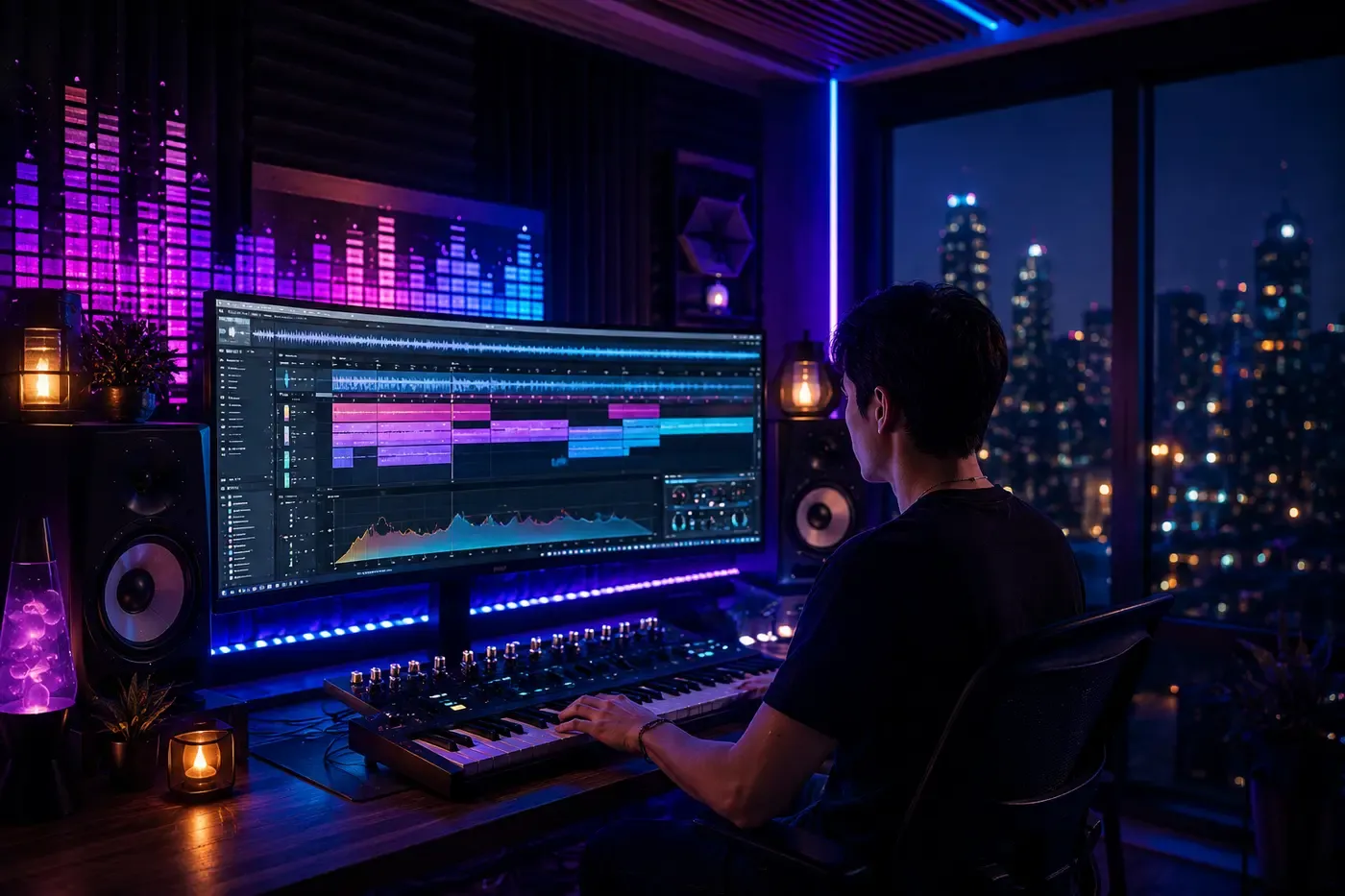
EDM doesn't start with a melody on a piano. It starts with a feeling in a room. The form works the same way. Three short fields frame the track: a subject or theme, a context (party, workout, late drive), and a style tag. The style tag does heavy lifting here. 'Progressive house' and 'hardstyle' produce radically different tracks from the same mood description. The long field is where you set the energy arc. Don't write chord progressions. Write what the room feels like. The AI translates crowd energy into synth choices, drop intensity, and build-up length. Two people writing 'festival' in different sub-genres will get two tracks that don't sound related. That's the point.
Why make EDM with SunoPrompt
Electronic music production normally requires expensive software and months of learning synthesis. This skips all of that and gets you to the track.
Drop-aware generation
The AI knows that EDM tracks need a build-up before the drop hits. It doesn't treat your track like a pop song with a synth on top. The structure follows electronic music conventions for whatever sub-genre you pick.
Sub-genre fluency
Type 'future bass' and get future bass. Type 'dark techno' and get dark techno. The difference isn't a filter change. It's a different drum pattern, different synth palette, different tempo, different arrangement. The AI maps each sub-genre to its actual production fingerprint.
No Ableton, no Serum, no sample packs
Traditional EDM production means learning a DAW, buying synth plugins, downloading drum kits, and watching tutorials about sidechain compression. Here you type a mood and a genre. The AI handles the signal chain. You evaluate the result with your ears, not your technical knowledge.
Rapid iteration for the right energy
The first track might be close but not hard enough. Rewrite 'energetic crowd' as 'crowd losing their minds, bass rattling the floor.' Generate again. The shift in language produces a shift in intensity. Each generation takes about a minute, so testing five variations costs five minutes.
Full track, not a loop
Most beat makers give you an 8-bar loop and call it done. This generates a complete track with intro, build, drop, breakdown, second drop, and outro. You can listen start to finish. If you want it as background or DJ material, that structure is already there.
History as a set builder
Every track you generate saves to your history. Generate a warm-up track, a peak track, and a cool-down track in sequence. Now you have a mini-set. Come back tomorrow and add two more. The history becomes your personal catalog of electronic music organized by the moods you wrote.
Full toolkit
Beyond the beat drop
The AI EDM Generator handles full track creation. For everything around it, the rest of the SunoPrompt toolkit fills in. No need to switch between apps or export files manually.
AI Music Generator
The core engine. When you want to move outside electronic music and try a genre that relies more on traditional instrumentation or song structure, this is where you go. Same form, different style tag, different result.
Lyrics Generator
EDM tracks sometimes need a vocal hook or a spoken-word intro. Feed the Lyrics Generator your track's mood and it writes short, repeatable phrases designed for electronic contexts rather than full narrative verses.
Vocal Remover & Stem Splitter
Generated a track with vocals but want the instrumental? Strip the voice out. Or isolate the kick and bass to check whether the low end hits right. Useful when you want to remix your own generated tracks.
Explore more AI music tools
Who uses the AI EDM generator
Aspiring producers
Hear what your energy description sounds like as a finished track before spending hours in a DAW
Test sub-genre combinations quickly: does 'melodic techno' or 'progressive trance' fit your idea better?
Use generated tracks as reference for tempo, structure, and drop timing when building your own
What is an AI EDM generator?
An AI EDM Generator produces complete electronic dance music tracks from a text description. You pick a sub-genre, describe the energy level, and get a finished track with build-ups, drops, breakdowns, and transitions. No Ableton, no synth presets, no MIDI programming.
EDM as AI input: structure over lyrics
Most genres lead with words. EDM leads with structure. The drop matters more than the verse. The build-up matters more than the chorus. This changes what the AI needs from you. Instead of a story or message, it needs an energy profile: how hard, how fast, how dark or bright. The style tag ('techno' vs 'tropical house') sets the structural template. Your mood description fine-tunes within that template. Write 'relentless, dark, 4 AM' and the AI keeps the kick drum aggressive and the synths sharp.
Sub-genre precision matters here more than anywhere
Write 'EDM' alone and you get a generic four-on-the-floor track. Write 'melodic dubstep' and you get pitched vocal chops over wobble bass at 140 BPM. Write 'deep house' and the kick softens, the tempo drops to 122, and a filtered pad drifts underneath. The style field is the most important input on this page. Combine terms to narrow further: 'dark techno, industrial' or 'future bass, bright, anime soundtrack energy.' The AI treats each tag as a constraint and finds the intersection.
The mood field as crowd simulation
Think of the long text field as describing a room, not a song. 'Outdoor festival, dust in the air, sun going down, 10,000 people waiting for the headliner' gives the AI a different energy target than 'Basement club, 200 capacity, sweat on the walls, everyone knows the DJ.' You write 'massive crowd, arms up, confetti falling' and the drop comes in bigger. You write 'small dark room, heads down, locked into the rhythm' and the track stays tighter and more repetitive. The scene shapes the arrangement.
Vocals in electronic music: texture, not storytelling
EDM vocals work differently than in pop or rock. They repeat. They get chopped, pitched, reversed. The Voice Gender selector picks a vocal tone, but the AI processes it for the genre. A female vocal in trance becomes an ethereal phrase looping over the build. A male vocal in dubstep might be a short shout before the drop. If you want specific vocal treatment, write it: 'pitched-up vocal chop' or 'spoken word intro, then instrumental.' The AI follows the instruction.
From single track to set
DJs don't play one track. They play a sequence where each track shifts the energy up, down, or sideways. You can use this generator the same way. Make a deep house opener, then push the style toward progressive house, then finish with a big-room track. Your generation history saves the arc. Five tracks with escalating energy descriptions gives you a 10-minute mini-set. Not every track needs to be a banger. Some need to be the tension before the banger.
How this differs from a standard AI music tool
Standard AI music generators treat every genre like a verse-chorus-verse structure. EDM follows a different blueprint: intro, build, drop, breakdown, build, drop, outro. This tool generates with that structure as the default for electronic styles, not as an afterthought.
Most generators ask for lyrics or a topic, then add music around the words. EDM works the other way. The music is the content. The form is designed for energy and scene descriptions rather than narrative, which matches how electronic producers actually think about tracks.
A generic tool gives you one flat mix. EDM needs dynamic range: quiet filtered sections that explode into full-frequency drops. The AI handles these transitions automatically based on sub-genre conventions instead of producing the same loudness throughout.
Other tools don't distinguish between 'house' and 'hardstyle' in any meaningful way. Here, sub-genre tags map to specific BPM ranges, drum patterns, synth textures, and structural timing. The difference between typing 'trance' and 'dubstep' is not cosmetic.