3つのステップで、写真をオリジナルシングルに
ストーリーのある写真を選ぶ
特別な意味を持つ写真、またはSunoPromptから選んだ写真をアップロードしてください。人物が登場する写真や、明確な感情が捉えられた瞬間を写した写真は、エンジンの創作基盤として最も強力です。
名前やメッセージを追加する
写真自体でトーンを設定することも、名前、日付、短いメッセージを添えて、曲が思い出の的を正確に射抜くようにすることもできます。ツールは画像とテキストを融合して処理します。
生成と微調整
曲を生成し、写真を見ながら一度聴いてみてください。もし何かが足りないと感じたら、別の画像に変えたり、テキストを修正したりして、もう一度実行し、その瞬間を完璧に再現するまで調整してください。
感情を貫き、適切な人に歌を届ける
写真はトーンを設定し、あなたの言葉は魂を吹き込みます。名前、日付、またはグリーティングカードに書いた一文を加えると、エンジンは写真とテキストの両方を同時に読み取ります。これにより、曲には主人公ができ、空虚な感情の積み重ねではなくなります。 これが、「良い曲」と「大切にされる曲」の違いです。誕生日パーティーの写真は、彼らの名前を添えることで、あなただけの誕生日ソングになります。色あせた古い写真は、当時伝えられなかった一文を見つけることができます。
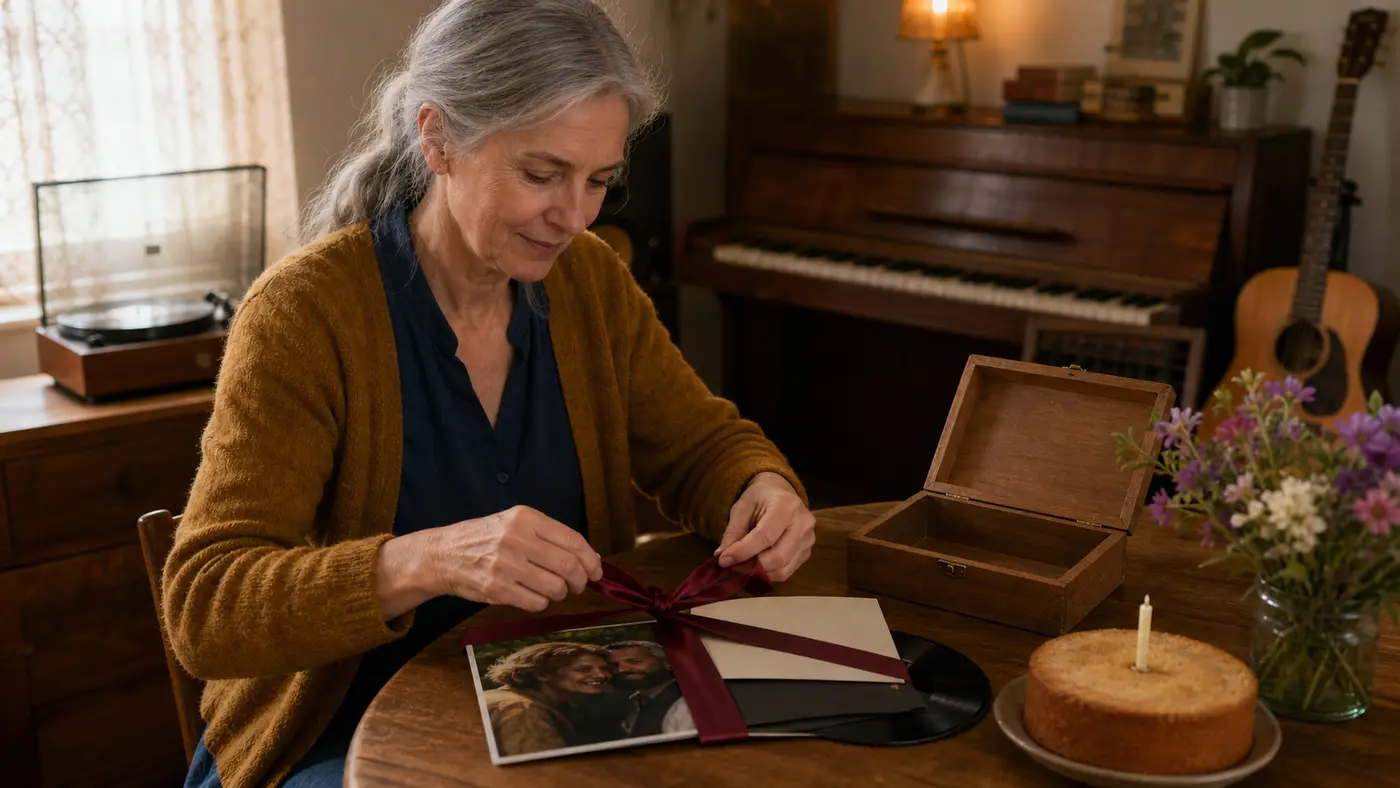
再生ボタンを押せる、あなただけの記憶
写真は瞬間を凝固させます。それを見つめることはできますが、「再生ボタンを押す」ことはできません。このツールはそのギャップを埋めます。写真をSunoPromptに渡すと、画面の感情に沿って曲が作られ、フォトフレームの中のあの午後に、あなただけのBGMが生まれます。 それは、冷蔵庫に貼った写真や、ロック画面に設定した写真のように、元々重みのある写真の感情を最もよく理解します。これらの写真は、音楽が最も必要とする魂を秘めており、だからこそ生成された曲は、ありふれた「ある日」ではなく、「あの日の」ためだけのもののように聞こえるのです。
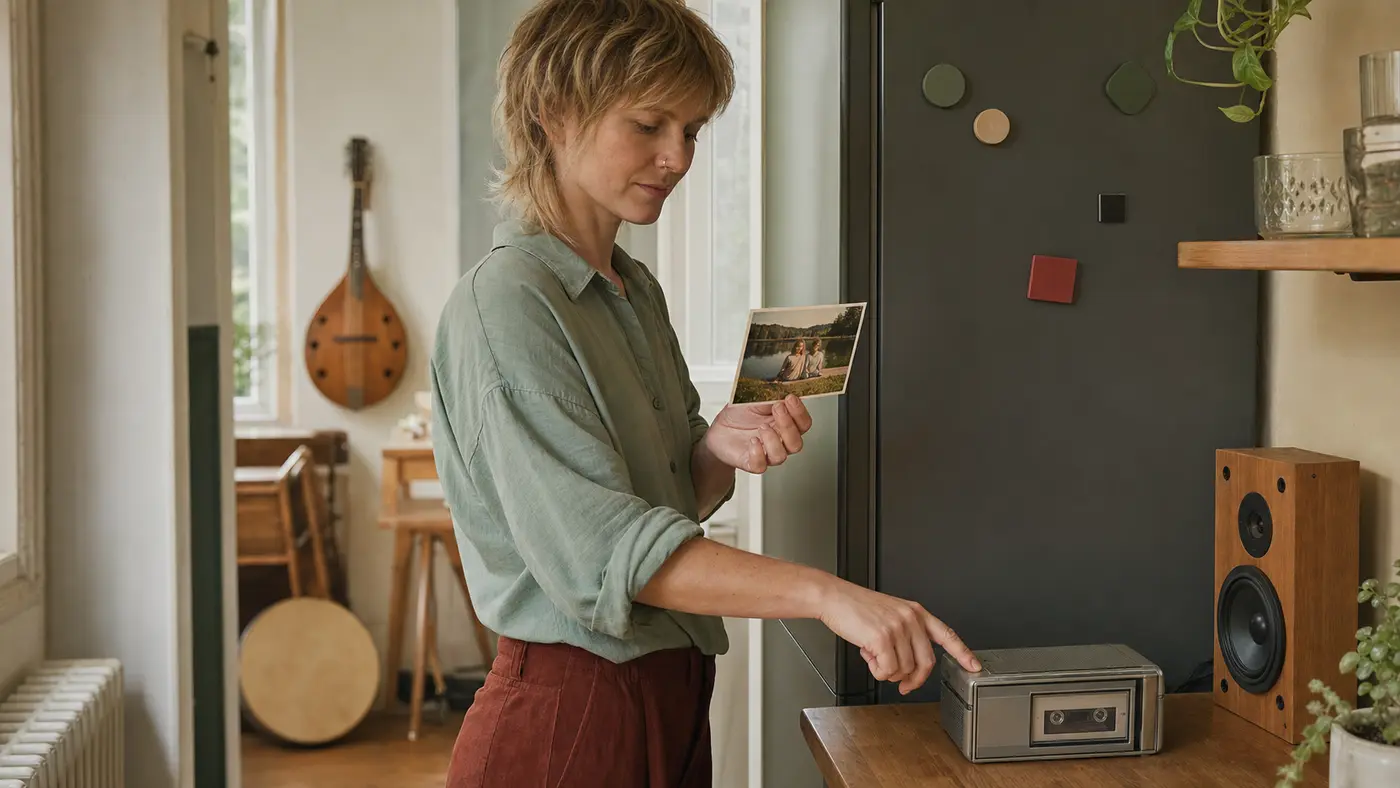
なぜここで思い出に声を与えるのか
写真から曲を生成するツールは、思い出に満ちた画面のために生まれました。固まった瞬間を、再生でき、大切にでき、相手に贈ることができる、他に類を見ないギフトに変えましょう。
その瞬間が、ついに音になった
見つめている写真に、ついに再生可能なメロディーが生まれました。あなたは、空白の入力ボックスに悩むのではなく、意味のある画面から出発します。
名前を呼べる、あなただけの特別感
名前とメッセージを加えることで、この曲は空虚で漠然とした温かい感情ではなく、彼らに向かって歌われます。これが、良い曲を大切にされるギフトに変える点です。
買えない心遣い
二人の共有写真から生成された曲は、この世に二つとありません。物理的な品物よりも、記念日、誕生日、または静かな別れを祝うのに適しています。
あなたのお気に入りの写真から始める
ロック画面の壁紙や冷蔵庫の上の写真は種です。あなたが非常に大切にしているものから始まっているため、この曲は最初の音符から、その瞬間にのみ属します。
本当に言いたいことを歌にする
メッセージや歌詞を添えれば、グリーティングカードではうまく書けなかった言葉が、直接歌えるようになります。
魂に響くまで、徹底的に微調整
最初のバージョンがしっくりこなければ、画像を変え、言葉を修正し、再実行してください。ここでの目標は、思い出を完璧に再現する神曲であり、使い捨ての不完全品に妥協することはありません。
万能ツールボックス
このギフトをさらに驚くものに
写真は曲の始まりに過ぎません。SunoPromptは、感動的な歌詞を埋めたり、他の種類の画像に聴覚的なソウルメイトを見つけたりするのにも役立ちます。
AIミュージックジェネレーター (Music Generator)
この曲にもっと豊かな表現を持たせたいですか?あなたの歌詞や書き上げた長い手紙を持ってきてください。エンジンはこれらのテキストを中心に完全な曲を作り、その瞬間の物語を単なる暗示ではなく、真に「歌い」上げます。
AI 画像から音楽へ (Image to Music AI)
もしあなたの手元にあるのがプライベート写真ではなく、絵画、スクリーンショット、またはムードボードであれば、このツールを使用してください。同じ視覚トリガーロジックですが、目標は素晴らしいサウンドトラックを生成することです。
AI歌詞ジェネレーター (Lyrics Generator)
何を書けばいいか分からない?その人やその日のいくつかの詳細を投げ込むと、魂に響く歌詞を書いてくれます。言葉の助けがあれば、写真の中の感情に肉体が宿ります。
その他のAI音楽ツールを探す
誰が写真を曲にするのに最も適しているか
他に類を見ないギフトを贈りたい人
お店では買えない記念日や誕生日のギフト
二人の共有された思い出だけのオリジナルシングル
どんな物理的なカードよりも感動的な贈り物
写真から曲を生成するツールの詳細分析
写真から曲を生成するツール (Photo to Song Generator) は、SunoPromptのマルチモーダルエンジンを通じて、アップロードされた一枚の写真を温かみのあるオリジナルシングルに変換します。これは、自分自身や大切な人への最もユニークな音楽記念品です。
一枚の写真から、一曲のシングルへ
あなたが大切な一枚の写真を提供すると、ツールはそれを曲作りの種とします。写真は入力口となり、退屈なテキストプロンプト入力を置き換え、固まった瞬間を聴けるメロディーに変えます。SunoPromptの強力なコア音楽エンジンを使用していますが、今回はプライベート写真に焦点を当てています。
背景音ではなく、特別な記念品
市販の音楽ツールは、多くが動画のBGMを作ることを目的としています。これはその逆で、独立して存在し、大切にされるべき曲の創造を目指しています。両親の結婚記念日の写真から生成された曲は、洗い出された写真のように繰り返し再生する価値があり、一度見たら忘れる動画のBGMではありません。
その瞬間を歌に込める
写真は感情を運び、あなたの言葉は「誰が」と「なぜ」を伝えます。名前、年、または短いメッセージを追加すると、ツールはそれらを写真と一緒に読み込み、曲の中で主人公の名前や記念日を直接歌います。文字がなければ感情だけが得られ、文字があれば瞬間全体が得られます。
結局、どんな写真が一番効果的か
人物、イベントのある写真を探してください:旅行中のカップル、後部座席の犬、ろうそくを吹き消す子供、またはあなたが恋しく思っているあの顔。人物が登場する写真は、曲に明確な核を提供します。だからこそ、ここでは風景写真よりも、ポートレートや生活感あふれる瞬間の写真の方が耳を引くのです。
写真から曲を生成するか、画像からBGMを生成するか?
両者は同じ基盤エンジンを使用していますが、どちらを選ぶかはあなたの出発点によります。プライベートな写真で、ギフトや記念品を作りたい場合はこちらへ。絵画、スクリーンショット、ムードボードで、BGMが必要な場合は「AI 画像から音楽へ (Image to Music)」を使用してください。一つは写真を「オリジナル曲」に変え、もう一つは画像に「名無しのBGM」を加えます。
大切にされ、贈られる曲
あなたが手にするのは、写真と一緒に再生でき、写真の相手に送れ、写真と永遠に結びつく曲です。初回でうまくいかなかった場合は、画像やテキストを変えて再試行してください。ここでの最終目標は、使い捨ての素材ではなく、大切にされるギフトを作ることです。
ありきたりな歌詞生成ツールとの違いは何ですか?
空の入力ボックスやありきたりな創作ブリーフではなく、実際の写真と鮮やかな記憶から始まります。
名前やメッセージで極めてプライベートなものにでき、曲に内容を持たせ、空虚なメロディーだけでなく、意味のあるものにします。
大切にされる、またはギフトとして贈られるために生まれました。使い捨ての背景音ではなく、心のこもった贈り物です。
その背後には依然としてSunoPromptの最高級エンジンがありますが、入口がテキストボックスから写真に変わりました。さらに、ツールボックス内の他の素晴らしいツールはいつでも利用可能です。