Cost Breakdown
15 × 1
Sign in to create covers
Log in to generate album covers and keep every result saved in your history.
Free AI Album Cover Generator
Turn a short description into professional album art in seconds. Pick a music genre, choose an art style, and generate high-res square covers ready for Spotify, Apple Music, and everywhere your music lives. Free to start, no design skills needed.
Create Your Album Cover in 3 Steps
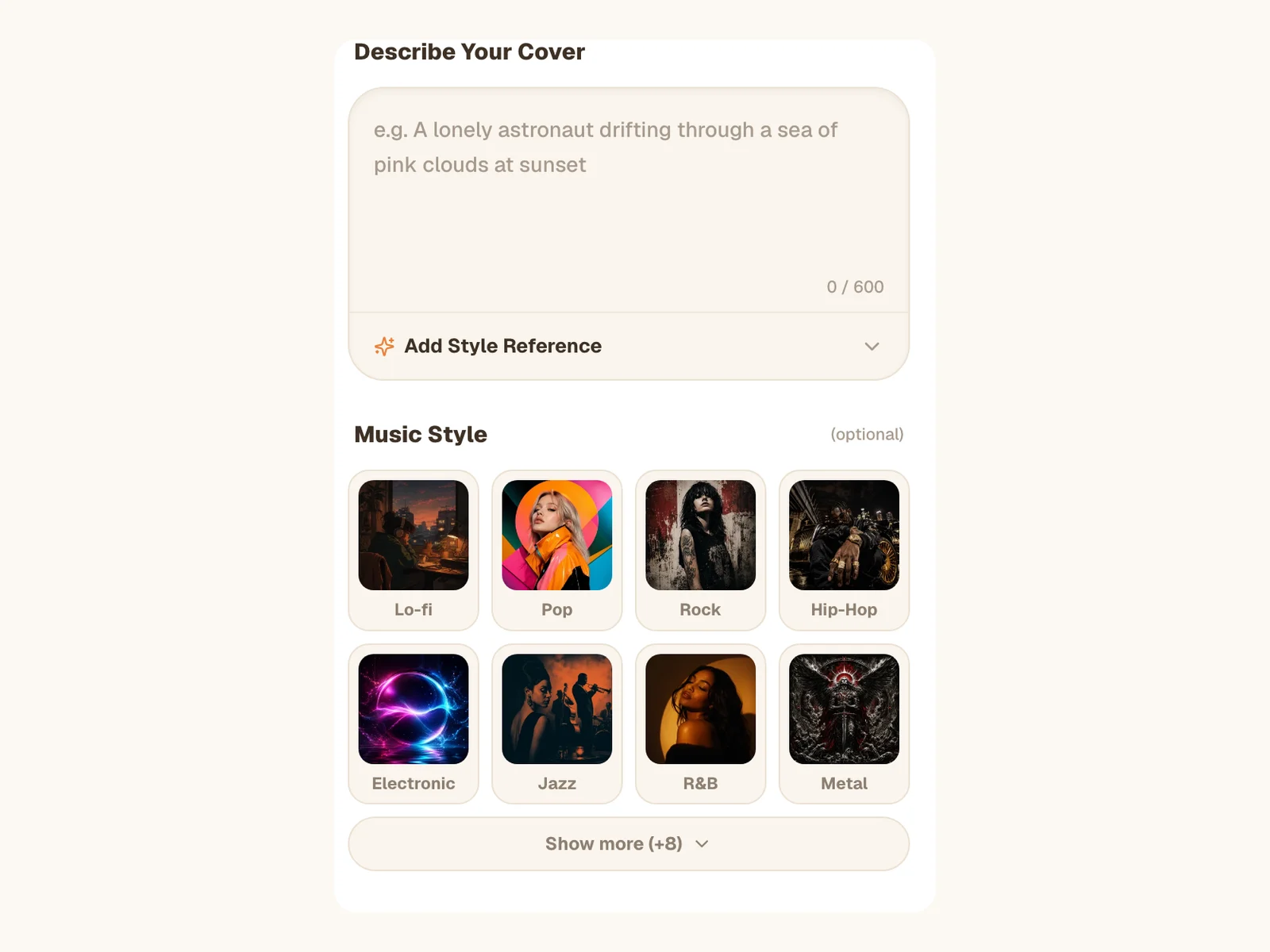
Describe Your Cover
Type what you see when you hear your music: a scene, a mood, colors, objects. Add an optional style reference for a specific aesthetic. The AI album cover generator reads your words and turns the concept into original cover art, no stock photos involved.
Pick a Genre and an Art Style
Choose from 16 music genres like Hip-Hop, Rock, Electronic, or Lo-fi, and 16 art styles like Minimalist, Vintage Film, Cyberpunk, or Watercolor. Every preset shows a real example thumbnail, so you can see the look before you commit. Mix a genre with an art style for a cover that fits your sound.
Generate, Compare, Download
Generate up to 4 variations in one batch and compare them side by side. Preview any cover full-size, then download the high-resolution square PNG. Your covers are saved to your library, so you can come back for them anytime.
From a Description to Release-Ready Cover Art
The album cover maker is built around one simple input: your words. Describe the image in your head, or just the feeling of the track, and the AI composes an original square cover around it. Stack a music genre preset and an art style preset on top, and the generator fuses all three into one coherent design. Add a style reference like 'in the style of 90s jazz records' for even tighter control.
Iris Basic for Value, Iris Pro for a Flawless Finish
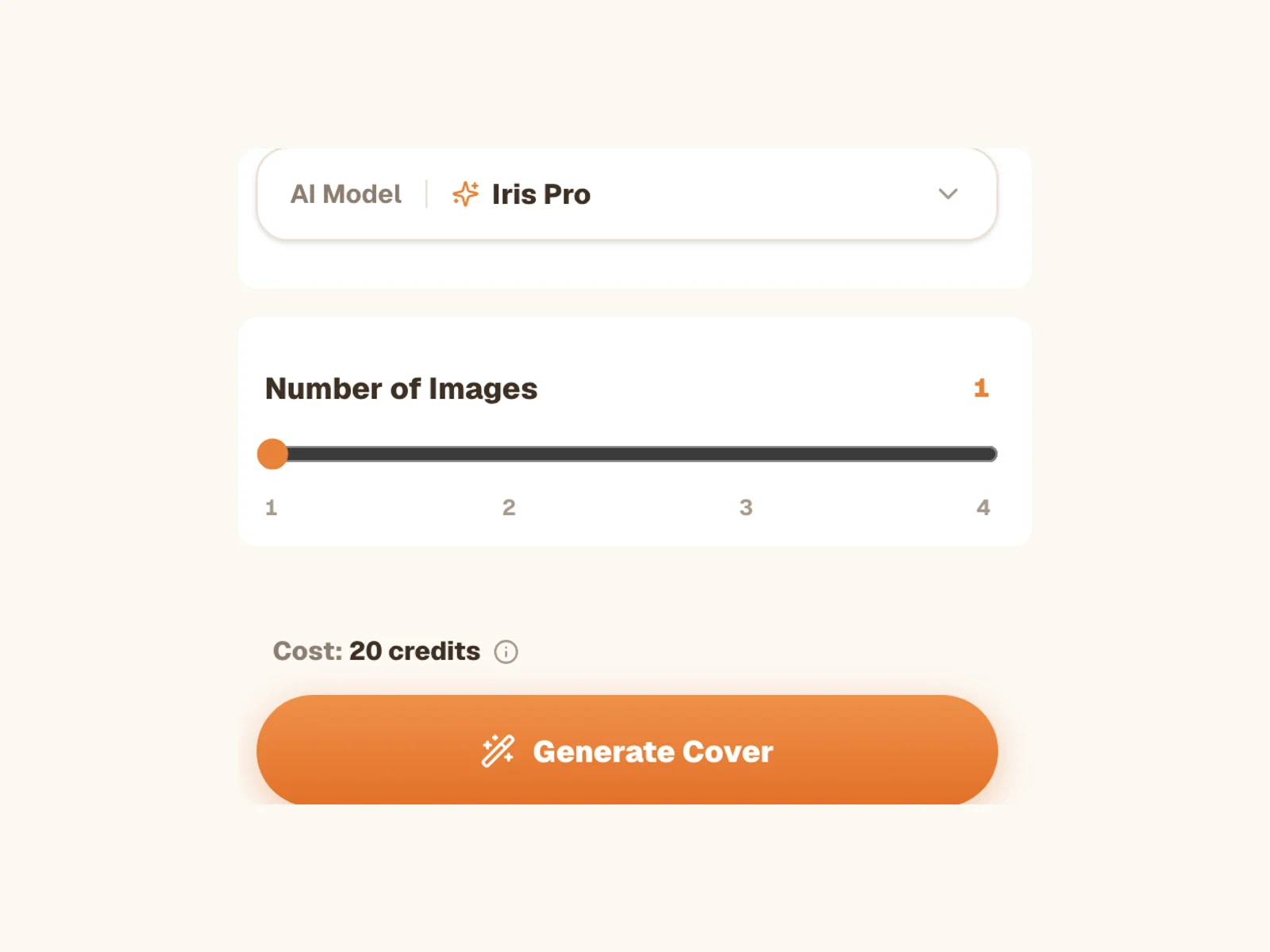
Two AI tiers, one workflow. Iris Basic delivers crisp, release-ready 2K covers for 15 credits per image. Iris Pro adds an automatic AI clean-up pass that smooths grain and noise in dark shadows and finishes at true 4K (4096×4096), at 30 credits per image. Use the batch slider to create 1 to 4 covers per run and keep the strongest take.
Why Musicians Use Our AI Album Cover Generator
What makes this album cover maker the fastest way from finished track to finished artwork.
Free to Start
New accounts get 50 free welcome credits, enough for up to 3 album covers. No credit card, no trial countdown. Try the full generator before you spend anything.
No Design Skills Needed
If you can describe your music, you can make your cover. No Photoshop, no templates to fight with, no hiring a designer for a single release. Type, pick a style, generate.
Styles That Match Your Sound
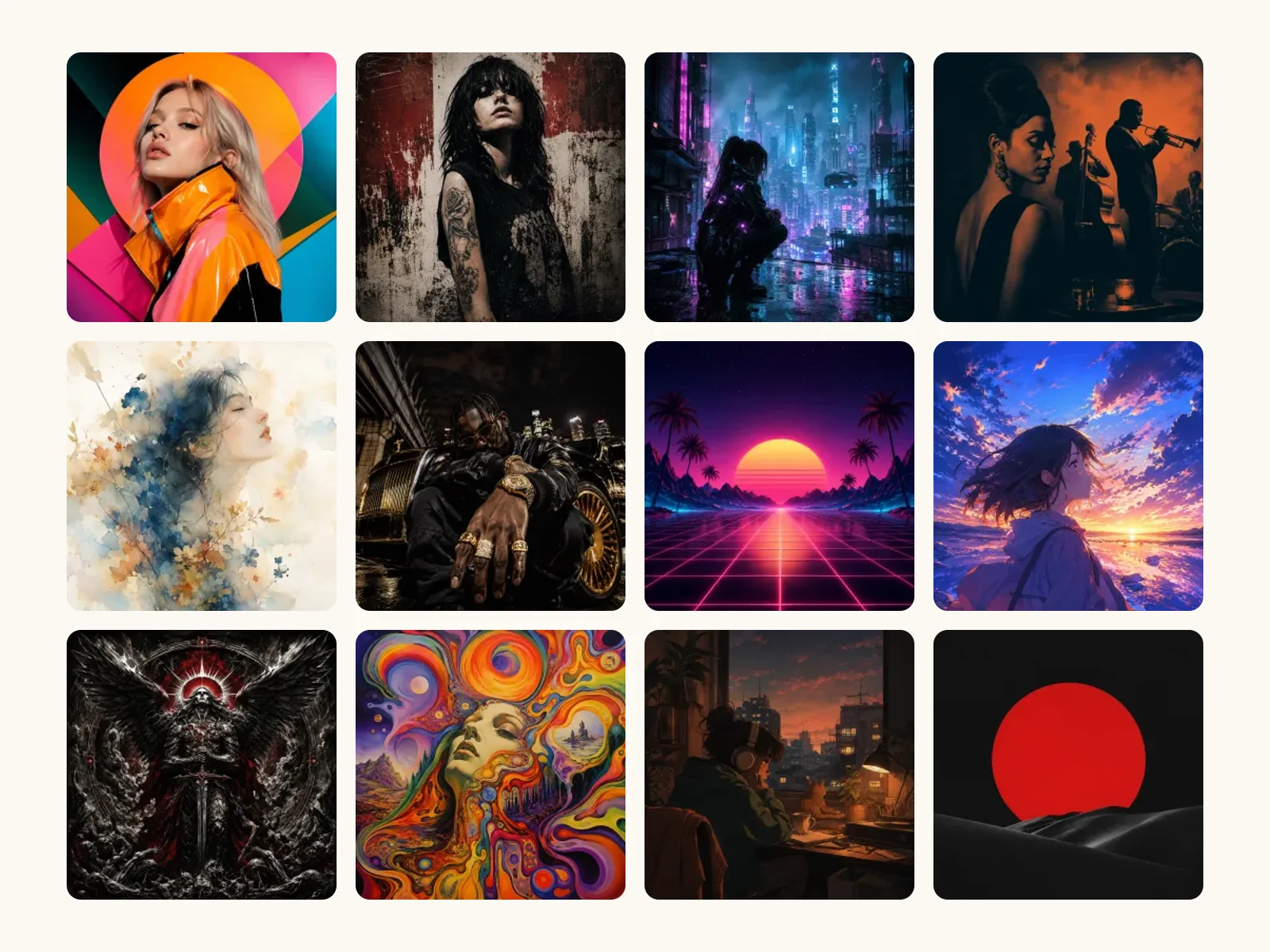
16 genre presets and 16 art styles, each with a real example image generated by the same AI. A metal cover should not look like a lo-fi cover, and with genre-aware presets, it never will.
Ready for Every Platform
Every cover is a square high-resolution PNG, well above the 640×640 minimum required by Spotify and Apple Music. Upload the same file to streaming, YouTube, and social without reworking it.
Up to 4 Variations per Run
Great covers come from comparing options. Generate a batch of up to 4 takes on the same idea, preview them full-size, and download the one that feels like the record.
Your Covers, Saved and Yours
Every generation is stored in your library next to your songs and prompts. Use your covers for releases, streaming profiles, promo posts, and creative projects.
Part of a Full Music Workspace
Make the Song and the Cover in One Place
SunoPrompt is a complete AI music creation workspace. The album cover generator sits next to the tools that make the music itself, so your release does not have to leave the platform.
AI Album Cover Generator
This tool. Describe the artwork, pick a genre and art style, and generate square release-ready covers with two quality tiers and batch variations.
Music Generator & Prompt Generator
Create the track behind the cover. Generate full songs from text or lyrics, and use the Prompt Generator to craft stronger descriptions for both music and artwork.
One Library for Everything
Songs, prompts, stem splits, and covers all live in the same library. Finish a track, generate its artwork, and download the whole release from one place.
Who Uses the Album Cover Generator
For Independent Artists & Bands
Release singles as fast as you finish them. Generate cover art the same night you bounce the final mix, instead of waiting a week on a designer.
Keep a consistent visual identity across an EP by reusing the same art style preset and style reference for every track.
Test how your release will look in a streaming grid before you commit. Generate 4 variations and pick the one that pops at thumbnail size.
What is an AI Album Cover Generator?
An AI album cover generator turns a written description into original cover artwork. You describe the visual, the AI composes the image, and you download release-ready square art in seconds instead of days.
How the Album Cover Maker Works
You write a short description of the artwork you want. The generator combines it with your chosen music genre preset, art style preset, and optional style reference into one detailed instruction, then a state-of-the-art AI image model paints an original square cover from scratch. Nothing is pulled from stock libraries, so no other artist will upload the same art.
Writing a Good Album Cover Prompt
Describe a scene, not just a genre. Name a subject, a mood, a color palette, and a lighting style: 'a lone neon phone booth in desert fog at dusk' beats 'cool electronic cover'. The genre and art style presets already handle the aesthetics, so spend your words on what makes this release yours.
The Right Size for Spotify and Apple Music
Streaming platforms want square artwork, with 640×640 pixels as the minimum and larger files strongly recommended. Iris Basic generates square art at full 2K resolution, and Iris Pro finishes with an automatic clean-up pass at true 4K — so the same download works for streaming, social, and even print mockups.
From Finished Track to Finished Release
Artwork is usually the last thing standing between a finished song and a published release. With covers generated in the same workspace as your music, prompts, and stems, the gap between 'the track is done' and 'the release is live' shrinks to minutes.
What Sets Our Cover Art Generator Apart
It lives inside a full AI music workspace. Most cover art tools are standalone image generators; here, the same account that generates your songs, prompts, and stem splits also generates your artwork, and everything is saved together in one library.
Style selection is visual, not guesswork. All 32 presets, 16 music genres and 16 art styles, show real thumbnails generated by the same AI model, so you know what 'Psychedelic' or 'Glitch Art' actually looks like before you spend a single credit.