AI LoFi Generator
Loading...
How to make lofi music with AI
Set the mood, not the specs
Fill in the short fields with a subject, a context, and a style like 'lofi hip hop' or 'lofi ambient.' In the long field, describe a scene or atmosphere. Skip the music theory.
Pick a voice (or don't)
Choose Male, Female, or Random from the Voice Gender selector. For lofi, the voice stays in the background either way. Random works well if you're building a playlist with variety.
Generate and keep what fits
Hit Generate. Your track arrives in about a minute. Save it to history, tweak the mood field, and generate again. Each version drifts slightly. That's the point.
What your generated lofi track actually sounds like
The AI doesn't produce a clean pop track and slap a filter on it. It generates with lo-fi characteristics built in: slightly detuned keys, rounded bass, drums that sit behind the mix instead of on top of it. Vocals come out soft. Not whispered, but not fighting for attention either. If you set Voice Gender to Female, expect something in the mid-range, airy. Male tends toward a lower, murmured delivery. Random picks one and you can regenerate if it doesn't fit. The result is a finished track, not a loop. Intro, verse structure, and an ending. Typically 1 to 2 minutes. Long enough for a mood, short enough to stack several into a playlist.
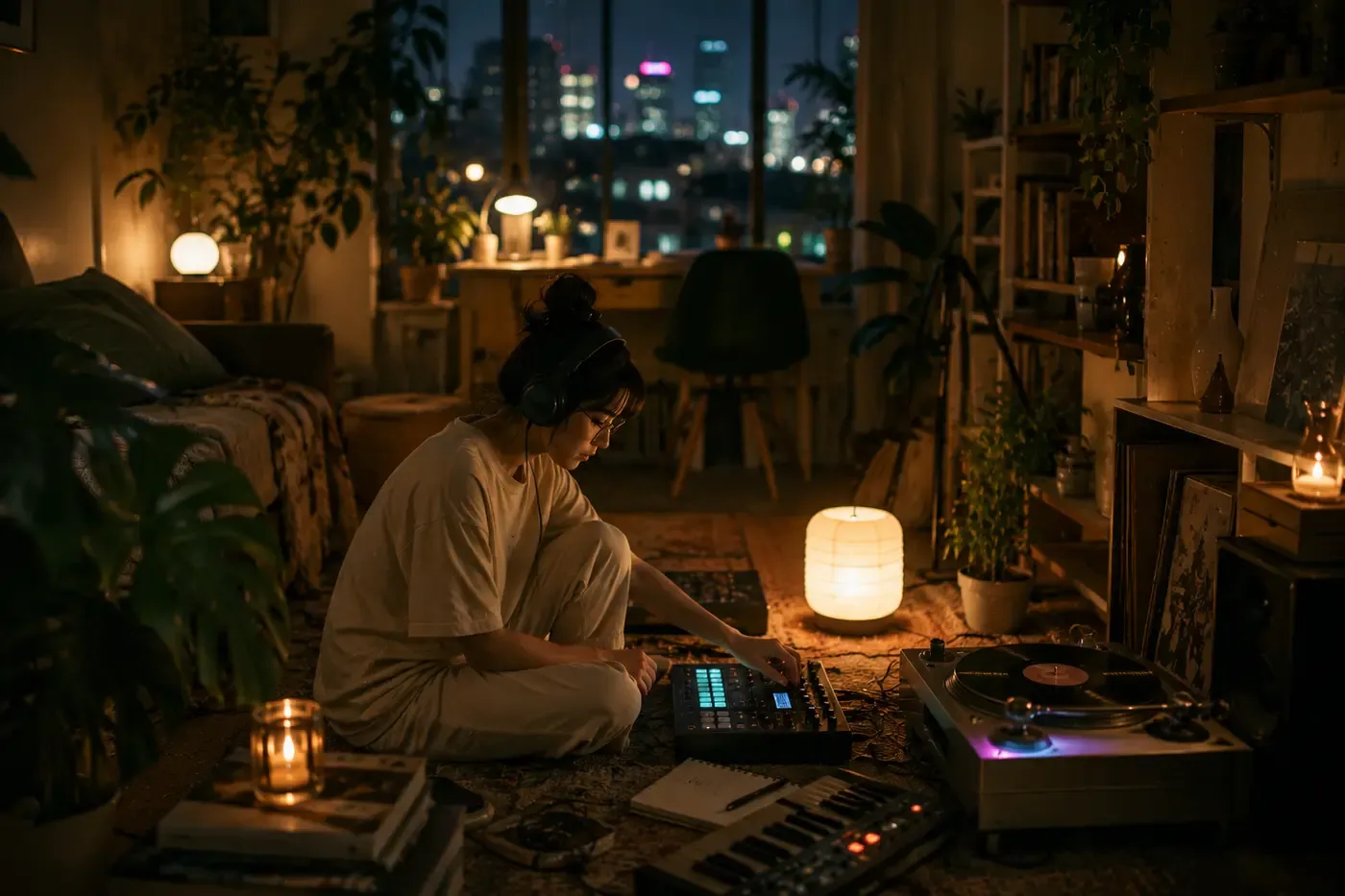
The form works like a mood board, not a song brief
Most music generators ask you to describe a song. This one asks you to describe a feeling. The three short fields set the outer frame: who or what this track is about, the context, and a style tag like 'lofi hip hop' or 'chillhop jazz.' None of them require musical vocabulary. The long field is where the track gets its personality. Write a scene, a temperature, a time of day. 'Foggy parking lot after a night shift' produces a different texture than 'Sunny balcony, book face-down on the railing.' LoFi lives in small atmospheric details. The form is built for that kind of input.

Why use SunoPrompt for lofi
LoFi is a genre defined by feel, not technical precision. The tool is built around that idea.
Texture-first, not melody-first
The AI prioritizes warmth, grain, and ambient layering over catchy hooks. That's the correct priority order for lofi. You get tracks that feel right on first listen, not tracks that sound impressive but don't sit comfortably in the background.
Scene descriptions over music instructions
You don't need to know what a Rhodes piano is or what BPM means 'chill.' Write a place, a time, a feeling. The AI handles the translation from image to arrangement. This works because lofi has always been about evoking spaces, not showing off technique.
Playlist-scale output
One generation takes about a minute. Tweak the mood field and go again. In 15 minutes you have a set of 8 to 10 tracks that belong together. Your history keeps all of them. Most lofi listeners don't want one perfect track. They want a stack of good-enough ones.
No sample library, no DAW, no plugins
Traditional lofi production means digging through sample packs, loading a DAW, layering vinyl noise, EQing the highs down. Here, the AI bakes all of that into the generation. The lo-fi production style is the default, not an afterthought.
Voice that knows its place
When you select a voice gender, the vocal sits where lofi vocals should: behind the beat, not in front of it. This is a mixing decision the AI makes automatically. In other generators you'd need to ask for it or fix it in post.
Full toolkit
More than a lofi beat maker
The AI LoFi Generator is one piece of SunoPrompt's music creation toolkit. Each tool handles a different part of the process, and they work together without requiring you to move files between apps.
AI Music Generator
The engine behind every track. Produces full songs across any genre, not only lofi. Use it when you want to step outside the chill zone and try something with more energy or structure.
Lyrics Generator
Writes lyrics from a topic or story prompt. Useful when your lofi track needs more than hummed phrases. Feed it the same mood description you used for the beat and the words will match the atmosphere.
Vocal Remover & Stem Splitter
Pulls vocals, drums, bass, or other stems out of an existing track. Helpful if you generated a lofi track with vocals and later want an instrumental version, or if you want to isolate the beat to loop it.

Explore more AI music tools
Who makes lofi with this
Students and remote workers
Generate a 5-track focus playlist in about 10 minutes, each track with a slightly different mood
Write your current study scene into the mood field and get music that matches the energy you need
Save tracks to history and rebuild your playlist each week without repeating the same beats
What is an AI lofi generator?
An AI LoFi Generator builds complete lo-fi tracks from a text description of mood, scene, or feeling. No samples, no DAW, no beat-making experience. You write an atmosphere, the AI produces a chill track with the warm, imperfect texture that defines lofi as a genre.
Why lofi and AI fit together
LoFi has always been about constraint. The genre started on cheap tape machines, borrowed jazz chords, and bedroom setups that colored the sound whether you wanted them to or not. AI generation works the same way in reverse: you describe constraints (a mood, a pace, a feeling) and the model fills in the music. The less you specify, the more room the AI has to add those small imperfections that make lofi sound like lofi.
The style field and lofi sub-genres
Write 'lofi hip hop' and you get dusty drums, Rhodes keys, and a head-nod tempo. Write 'lofi jazz' and the chords open up, the rhythm section loosens. 'Chillhop' pushes the beat forward slightly. 'Lofi ambient' drops the drums almost entirely. You can combine tags: 'lofi R&B, slow, vinyl crackle' gives the AI three anchor points to build from. Each combination produces a different starting texture.
How the story field shapes your track
This is the long text field, and it matters more for lofi than for most other genres. LoFi tracks live on atmosphere, so the scene you describe becomes the track's identity. Write 'empty library, 11 PM, one desk lamp still on' and the AI leans into quiet keys and sparse drums. Write 'rainy commute, headphones on, train window fogging up' and the result picks up a gentle forward motion. Try writing what you're doing while you'd listen, not what you want the song to sound like.
Vocals in lofi: present but not performing
LoFi vocals don't sit at the front of the mix. The Voice Gender selector gives you a direction, but the AI keeps the voice recessed. Female voices tend to float above the beat. Male voices settle underneath it. If you write 'mostly instrumental' in your mood field, the voice becomes a texture, humming or phrasing fragments rather than full verses. For pure beats with no voice at all, write that explicitly.
Building a playlist, not a single
One lofi track is nice. A set of five or six, each shifted slightly in mood, is a playlist. Your generation history saves every track. Run the same base mood with small changes ('same cafe, morning light' then 'same cafe, closing time') and you get a coherent set with natural variation. This is how lofi playlists work: not ten unrelated beats, but one atmosphere explored from different angles.
How this differs from a generic AI music tool
Generic AI music tools optimize for clarity and punch. LoFi wants the opposite: warmth, softness, and sounds that don't demand your attention. This generator defaults to lo-fi production characteristics instead of asking you to add them manually.
Most generators treat the text prompt as lyrics or song structure instructions. Here, the text prompt is a scene description. The AI translates atmosphere into arrangement choices, not words into verses.
A typical AI music tool gives you one track and expects you to start over for the next. The history and re-generation flow here is built for the way lofi listeners consume music: in sets, with gentle variation between tracks.
Other tools default to radio-ready mixing: bright highs, compressed dynamics, vocals on top. This tool defaults to the lofi mix profile: rolled-off highs, wider dynamics, vocals recessed. You get the genre sound without post-processing.