Drum Extractor

How to extract drums in three steps
Load the track
Upload a local audio file or choose a song from your library. A clean source gives sharper drums, so start from the best copy you have rather than a low-quality rip.
Pick a model that can isolate drums
Pulling out a single instrument is a finer split, so reach for Echo Advance or Echo Pro. Echo Basic is the free way to try the tool, and a deeper tier is what cleanly separates the kit.
Split and take the side you need
Run the Split and both come back: the isolated drums and the drumless track. Check the drums for cymbal wash, and if a dense mix left hiss, run it again a tier up.
Take the drums out and keep the song
The same split hands you the other half: the track with the drums gone. That groove-shaped hole is the point, because it is where a new kit, a live drummer, or a reprogrammed beat drops in. Drummers use it to play along to the real arrangement instead of a click. Producers use it to re-drum a song, swapping a dated pattern for something current while the melody and chords stay put. Same upload, opposite output, and both come out of one run.

Lift the break out of the record
The drums are the part everything else is timed to, the grid the song is built on. Pull them out and you get that groove on its own, the break, ready to loop, chop, or study. It comes back as its own track instead of buried under the bass and the vocal. The attack is what matters with drums, the snap of the snare and the punch of the kick, so a clean extract keeps the hits sharp rather than smearing them into mush. That crispness is the difference between a loop you can build on and one that sits limp under everything you add.
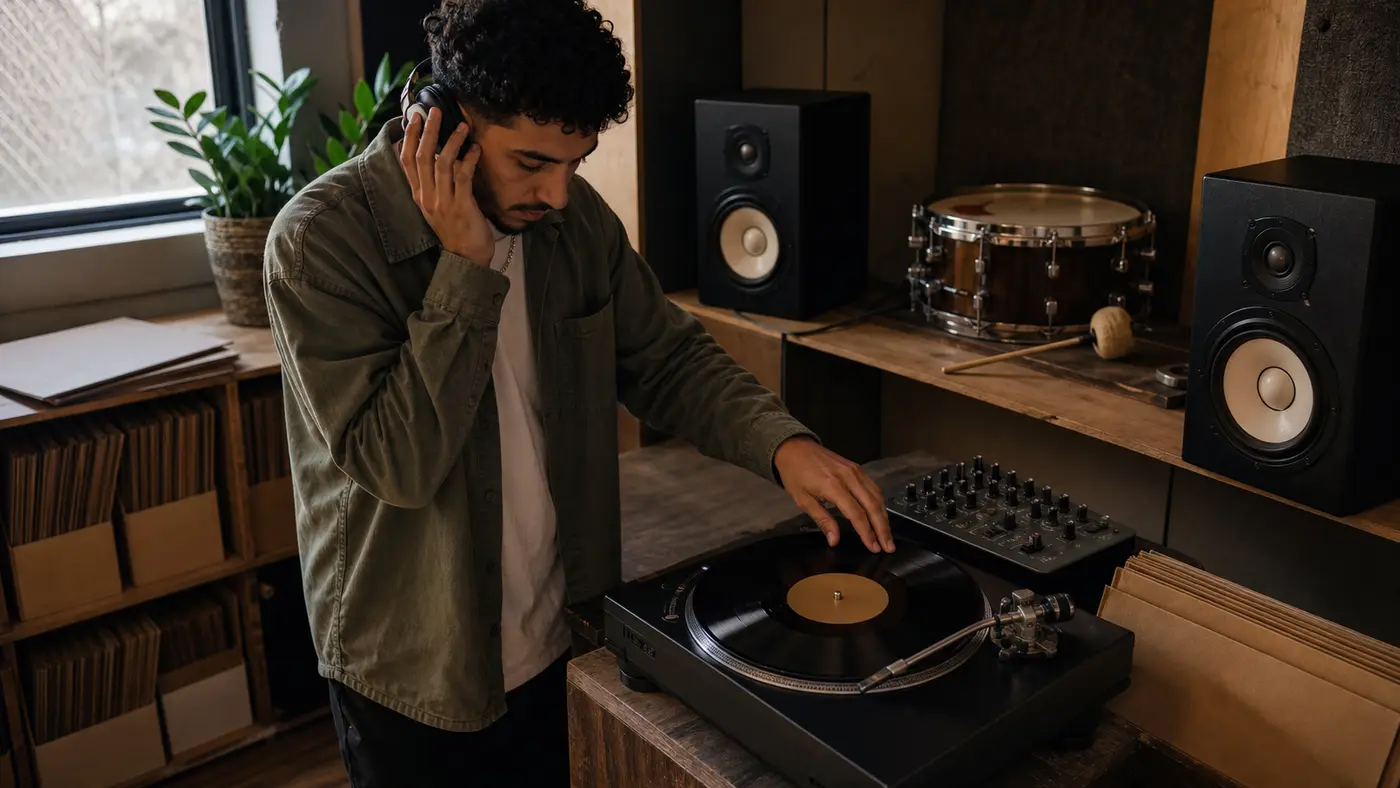
Why extract your drums here
A drum extractor that respects the groove, hands you both the break and the drumless track, and keeps the hits sharp.
The groove on its own
You get the drums as a separate track, the part the whole song was timed to, ready to loop, chop, or study without the rest of the mix in the way.
The drumless side too
The same run gives you the track with the drums gone, so one upload covers both the loop you sample and the bed you play over or re-drum.
The attack survives
A clean extract keeps the snap of the snare and the punch of the kick, so the loop still hits instead of turning into a soft shuffle that drags.
Made for play-along and re-drumming
Drummers rehearse against the real arrangement, and producers program new drums under an untouched melody. The drumless track is built for both jobs.
It knows cymbals are the hard part
Hats and crashes are what smear, so a higher Echo model goes after that wash. You spend a tier only on the cymbal-heavy songs that actually need it.
Try the tool, step up for the kit
Echo Basic lets you run the tool for free, and the higher tiers are where a single isolated instrument like the drums comes out clean.
Full Toolkit
Around the beat
A drum track is one piece. The rest of SunoPrompt covers the full teardown and the beats you build from nothing.
AI Stem Splitter
Want the bass and the other parts too, beyond the drums alone? The AI Stem Splitter opens the whole track into separate layers instead of the one you came for.
AI Hip Hop Beat Generator
Rather build a beat than sample one? This makes an original drum pattern and beat from a description, so you are not tied to lifting a break from an existing song.
AI Music Generator
Re-drumming or reworking a track? Generate fresh backing to sit around the drumless version, or new elements to layer over the break you pulled.
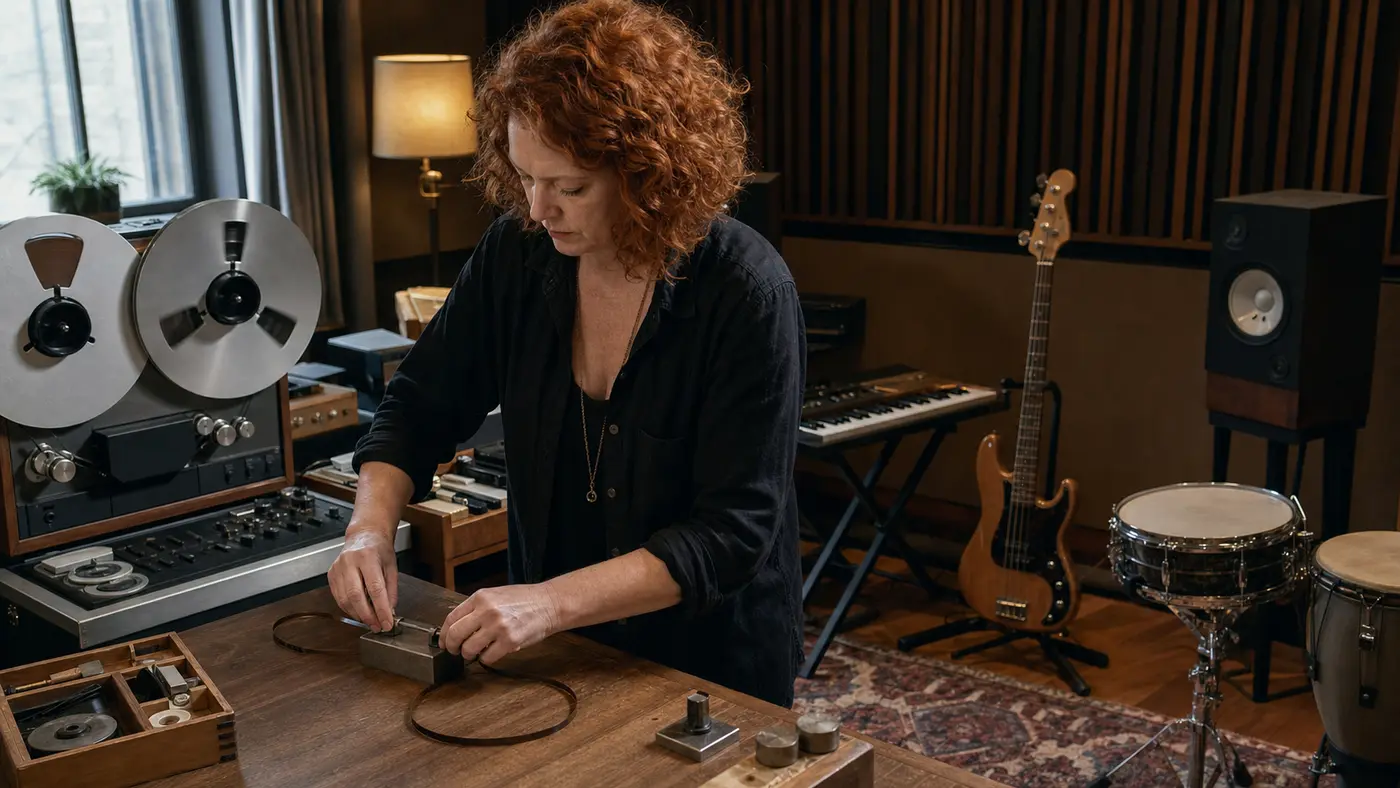
Explore more
Who pulls the drums
Beatmakers and samplers
You want the break as a clean loop to chop and build on
The groove of a track you have the rights to, without the bass in the way
A drum loop that keeps its punch instead of washing out
What the Drum Extractor does
The Drum Extractor separates the drums from a song you bring, returning the isolated drum track to sample or study and the drumless version to play over, both from one split.
The drums are the song's clock
Every other part is timed to the drums, which makes them the one layer worth pulling out on their own. Isolate them and you hold the groove that the whole track was built around, separate from the notes and the words. That is why a drum extract is useful in two opposite directions at once: as the beat you keep, or the beat you remove.
The break, ready to loop
The isolated drum track is a break in the classic sense, a bar or two of pure groove you can loop and build on. Chop it, time-stretch it, or run it straight under a new idea. Because the attack survives a clean extract, the loop keeps its bounce instead of turning into a soft, washed-out shuffle that drags the beat down.
Drumless, for playing and re-drumming
The other output is the track with the drums removed, and it earns its keep two ways. A drummer plays along to a real arrangement instead of a metronome, hearing exactly how the part sits. A producer re-drums the song, programming a fresh pattern under the untouched melody, which is how a lot of remixes and modern flips start.
Isolating one instrument asks for a deeper tier
Cutting the vocal off a track is a shallow split. Pulling out only the drums, and leaving everything else together, is finer work, so it leans on the higher Echo models. Echo Basic lets you try the tool for free, and Echo Advance or Echo Pro are where a clean, isolated kit actually comes out.
Watch the cymbals, not the kick
The kick and snare separate well because they own their own frequency space. The trouble is up top: hi-hats and cymbals spread across the spectrum and smear into other parts, so cymbal wash is the artifact to listen for. A higher tier tightens it, which is why cymbal-heavy songs are the ones worth spending on.
How it differs from other extractors
It targets the groove, the one part the whole song is timed to, instead of the voice everyone else pulls.
One split, two drum outputs. You get the isolated break to sample and the drumless track to play over, not a single result.
It fights cymbal wash, the drum-specific artifact. Higher Echo tiers tighten the hiss that hats and crashes leave behind.
It is the drum-focused cut of the full stem split. When you want every part on its own, the AI Stem Splitter opens the whole mix.