Hur du förvandlar en bild till musik i tre steg
Ta in bilden
Ladda upp ett foto eller konstverk, eller välj ett du har på SunoPrompt. En bild med en tydlig atmosfär eller en stark känsla av plats ger verktyget mest att läsa.
Kör den, en eller några gånger
Generera ett spår från bilden ensam, eller lägg till en textledtråd som en genre eller tempo. Kör den igen för att höra en annan tolkning, eftersom samma bild kan gå på mer än ett sätt.
Jämför och behåll en
Lyssna på versionerna mot bilden och behåll den som passar. Om ingen landar, ändra bilden eller ledtråden och generera igen tills en version känns rätt.
En bild, mer än ett svar
En bild låser inte fast ett enda ljud. En dimmig hamn kan tolkas som långsam och tung eller öppen och hoppfull, och båda passar. Den öppenheten är värd att använda, inte kämpa emot. Så kör den mer än en gång. Varje pass ger en ny tolkning av samma bild, och du lyssnar igenom dem och väljer den som matchar det du hörde. Lägg till ett ord för att trycka en version varmare eller snabbare, eller lämna den öppen och låt bilden överraska dig.
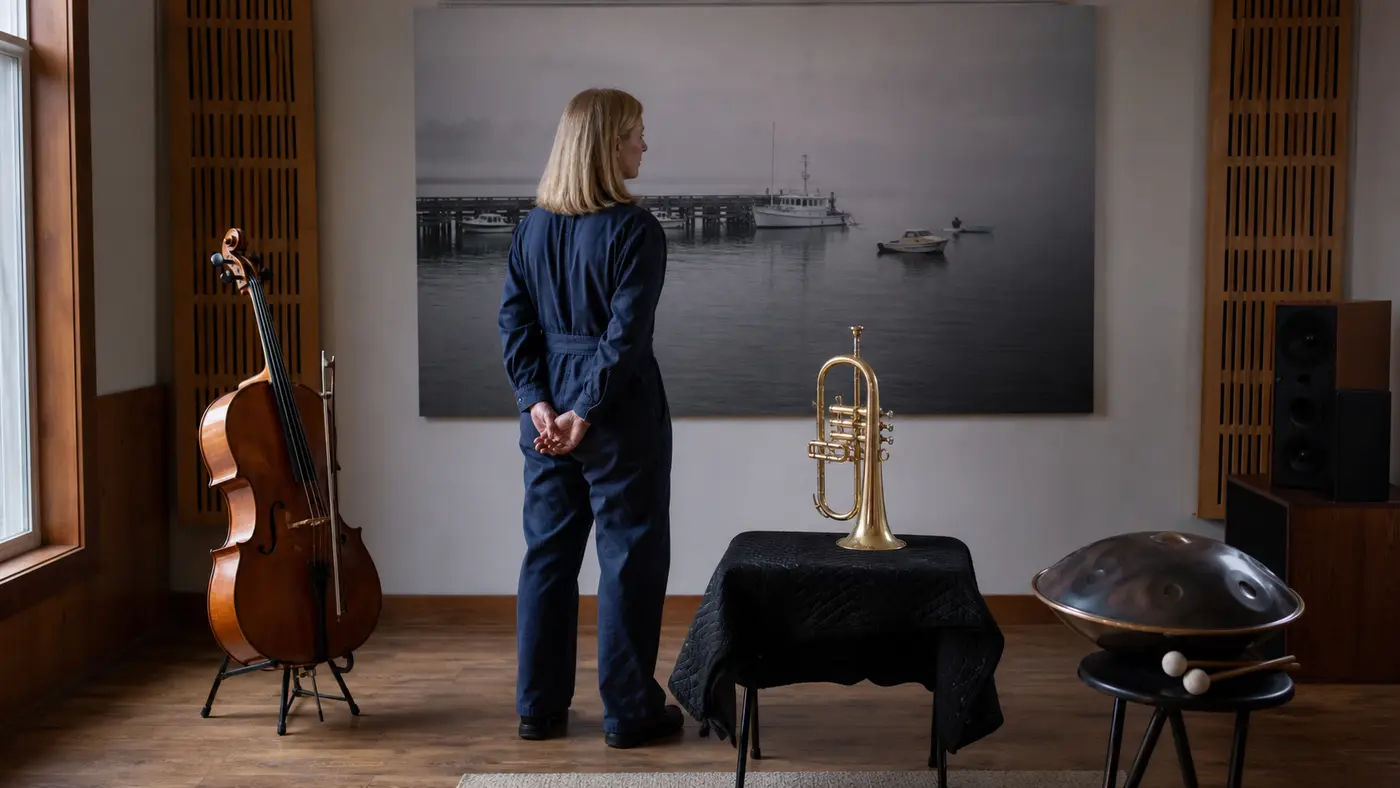
Vad låter den här bilden som?
Det är en fråga som en textruta inte kan svara på. Du kan skriva en beskrivning av ett foto, men det är en beskrivning av en beskrivning, ett steg bort från själva bilden. Så ljudet du får tillbaka är inriktat på dina ord, inte på bilden. Detta börjar från bilden istället. Du lämnar över bilden och verktyget läser den som instruktionen, sedan renderar ett spår som matchar dess känsla. Foton går in, och något du kan spela kommer ut, byggt från vad bilden faktiskt är.
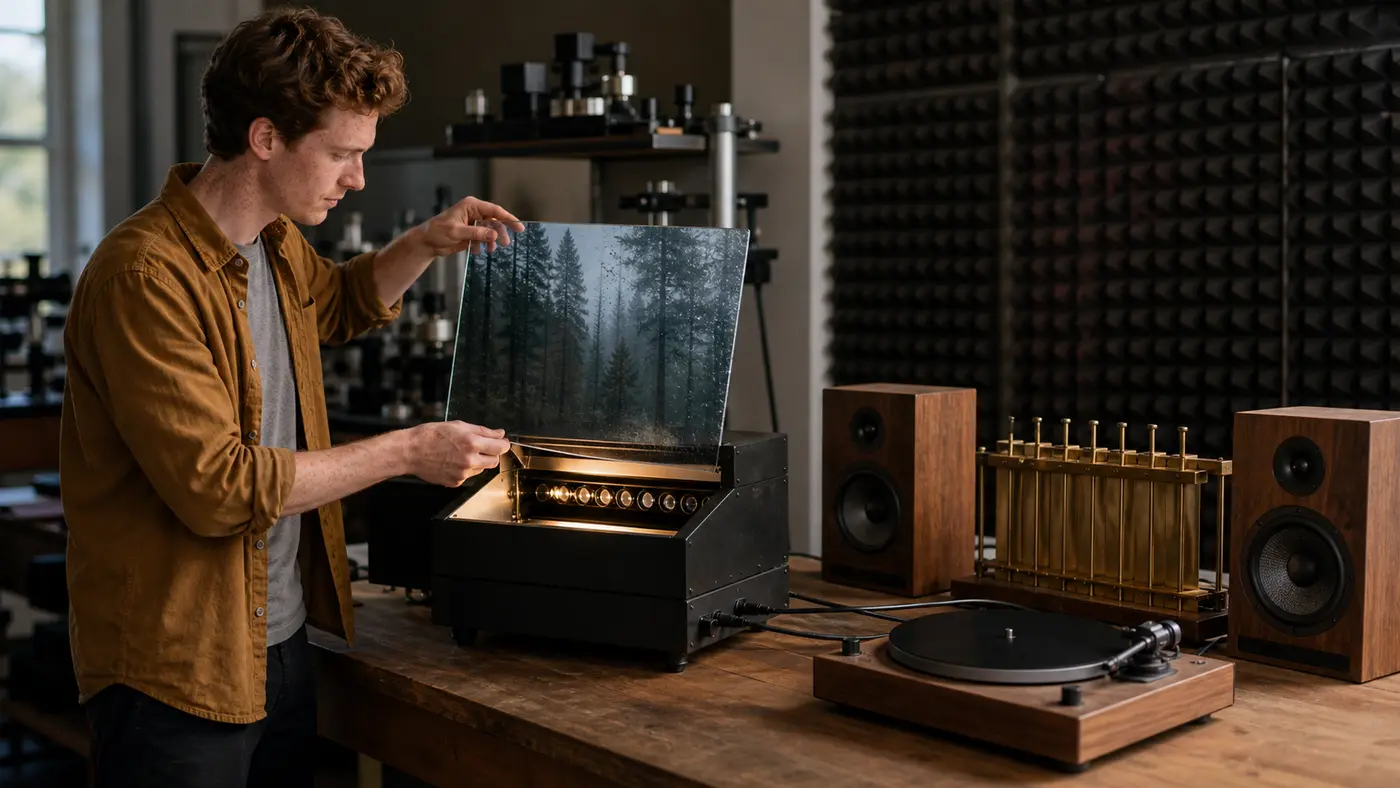
Varför börja från en bild här
Image to Music AI läser din bild och renderar den till ljud, så du hör vad bilden är snarare än vad dina ord om den beskriver.
Den svarar på hur en bild låter
Du börjar från själva bilden, inte en skriven redogörelse för den. Spåret riktar sig mot bilden på din skärm, ett steg närmare än en mening som försöker stå för den.
Den läser hela atmosfären
Stämning, ljus, plats och tid på dagen anländer tillsammans i en bild. Verktyget arbetar utifrån det övergripande intrycket, vilket en enda textrad har svårt att bära på en gång.
Du kan provlyssna flera tolkningar
En bild kan gå på mer än ett sätt, så kör den några gånger, jämför versionerna och behåll den tolkning som matchar det du hörde när du tittade.
Lägg till ord när du vill ha dem
Bilden kan stå ensam, eller en kort ledtråd pekar den, en genre eller ett tempo. Ord finns där när precision är viktig och kan hoppas över när du vill ha en överraskning.
Den skapar musik till alla bilder
En skärmdump, en målning, en moodboard, ett landskap. Detta är den breda dörren för att förvandla alla bilder till ett spår, långt bortom ett personligt foto av någon du känner.
Den öppnar upp till resten av studion
En tolkning är en utgångspunkt, inte en återvändsgränd. Ta en version in i Music Generator eller Music Agent för att forma den, eller lägg till ord via Prompt Generator.
Fullständig verktygslåda
Andra vägar in i ett spår
En bild är en utgångspunkt. Resten av SunoPrompt täcker de andra och hjälper dig att forma vad en tolkning ger tillbaka.
AI Music Generator
När ord eller texter är din väg in istället för en bild, bygger detta ett fullständigt spår från en textbeskrivning eller en uppsättning texter.
AI Music Agent
Den konversativa, multimodala vägen. Ta med en bild, text eller ljud och prata igenom vad spåret ska bli, och justera allt eftersom.
Prompt Generator
Gratis verktyg för att sätta känslan av en bild i ord. Praktiskt när en tolkning är nära och du vill namnge vad du ska ändra och rikta in nästa försök.
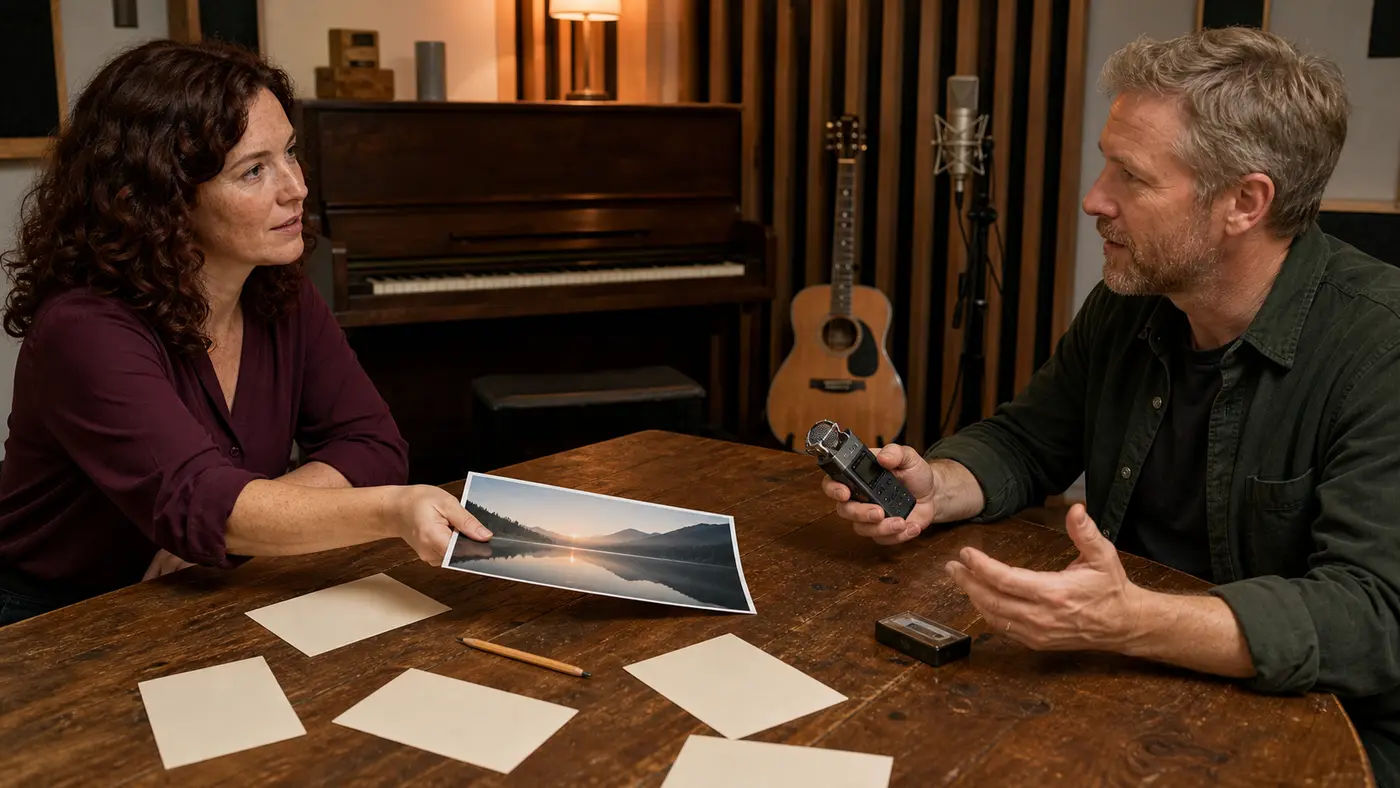
Utforska mer
Vem börjar från en bild
Personer med en referensbild
Du har redan bilden som träffar vibben
Förvandla den referensen till det faktiska ljudet, inte en beskrivning av den
Ett spår draget från bilden du pekade på
Vad Image to Music AI gör
Image to Music AI förvandlar en bild till en sång genom att läsa bilden du laddar upp som helhet och rendera musik som matchar dess känsla, genom SunoPrompt's multimodala Music Generator, med utrymme att generera flera tolkningar av samma bild.
Den renderar en bild till ljud
Text, texter och ljud är redan sätt att komma in i ett SunoPrompt-spår. Detta är den visuella vägen. Du ger den en bild och den läser bilden som instruktionen, sedan genererar musik från den tolkningen. Tänk på det som att svara på hur ett foto låter, snarare än att förvandla din skrivna mening om fotot till en sång.
Den arbetar utifrån hela känslan
En bild rymmer mycket på en gång, en stämning, ett ljus, en tid på dagen, en känsla av plats, och den håller dem samman. En dämpad bar sent på natten läses på ett sätt; ett ljust fält vid middagstid läses på ett annat. Verktyget tar det övergripande intrycket som sin ledtråd, vilket är anledningen till att en bild med en tydlig atmosfär leder till ett spår som passar den.
Samma bild kan gå på mer än ett sätt
En bild lämnar utrymme för tolkning, så en bild motsvarar inte ett enda fast spår. Generera den två gånger och du kan få en lugnare version och en livligare, båda ärliga mot fotot. Det är en funktion att använda: kör några, ställ upp dem och behåll den tolkning som matchar det du hörde när du tittade.
Lägg till ord när du vill styra
Bilden kan bära hela instruktionen, eller så kan du peka den. Para ihop bilden med en kort textledtråd, en genre, ett instrument, ett tempo, och verktyget läser båda. En snöig gata ensam kan landa var som helst lugnt; samma gata plus stråkar riktar den. Lägg till ord när precision är viktig, släpp dem när du vill ha överraskningen.
Alla stillbilder, bortom personliga foton
Detta läser alla bilder, en skärmdump, en målning, en moodboard, ett landskap, långt bortom ett foto av någon du känner. Om din utgångspunkt är ett personligt foto du vill göra till en minnessång, är Photo to Song Generator inriktad på det. Image to Music AI är den bredare dörren för att skapa musik till alla bilder.
Från en tolkning till ett användbart spår
Det som kommer tillbaka är ett spår du spelar mot bilden och bearbetar om det inte är där än. Ändra bilden eller ledtråden och gå igen, eller ta en version in i resten av SunoPrompt för att bygga ut den. Bilden ger dig ett första ljud snabbt, och du formar det därifrån.
Hur det skiljer sig från ett textbaserat musikverktyg
Du börjar från bilden, inte en beskrivning av den. Bilden är instruktionen, ett steg närmare det du faktiskt såg än en mening om den.
Den läser hela atmosfären på en gång. Stämning, ljus och plats kommer in tillsammans, vilket en enda textrad kämpar med att hålla.
En bild ger mer än ett spår. Eftersom en bild kan tolkas på flera sätt, genererar du några versioner och väljer.
Ord är valfria. Kör bilden ensam, eller lägg till en ledtråd för mer kontroll, eftersom verktyget läser bild och text tillsammans.
Det är en dörr in i samma motor. När ord eller texter är din utgångspunkt, bygger samma SunoPrompt-verktyg från dem istället.