Instrumental Maker

How to make an instrumental in three steps
Load the song
Upload a local audio file or choose a track from your library. Start from the cleanest version you have, since a crisp source clears more cleanly than a low-quality rip.
Set the model to match the mix
Echo Basic is free and fine for open, uncluttered songs. For a dense arrangement where the vocal is woven in, pick a higher Echo tier so less of it survives the strip.
Split and check for residue
Run the Split and listen to the quiet parts, where leftover vocal hides. Clean enough to sing over? Done. Still hearing a ghost? Run it again one tier up.
An instrumental goes two directions
Once the vocal is gone, the track can carry something on top or hold something up from below. On top: you sing the cover, the karaoke room takes the mic, a rapper writes to it. Underneath: it scores a video, beds a podcast, fills a room, in places where the original lyrics would fight whatever is being said. Those are different jobs, and the same clean instrumental does both. Knowing which one you are after tells you how clean it needs to be, since a lead vocal you sing over hides small flaws that a quiet background bed would expose.
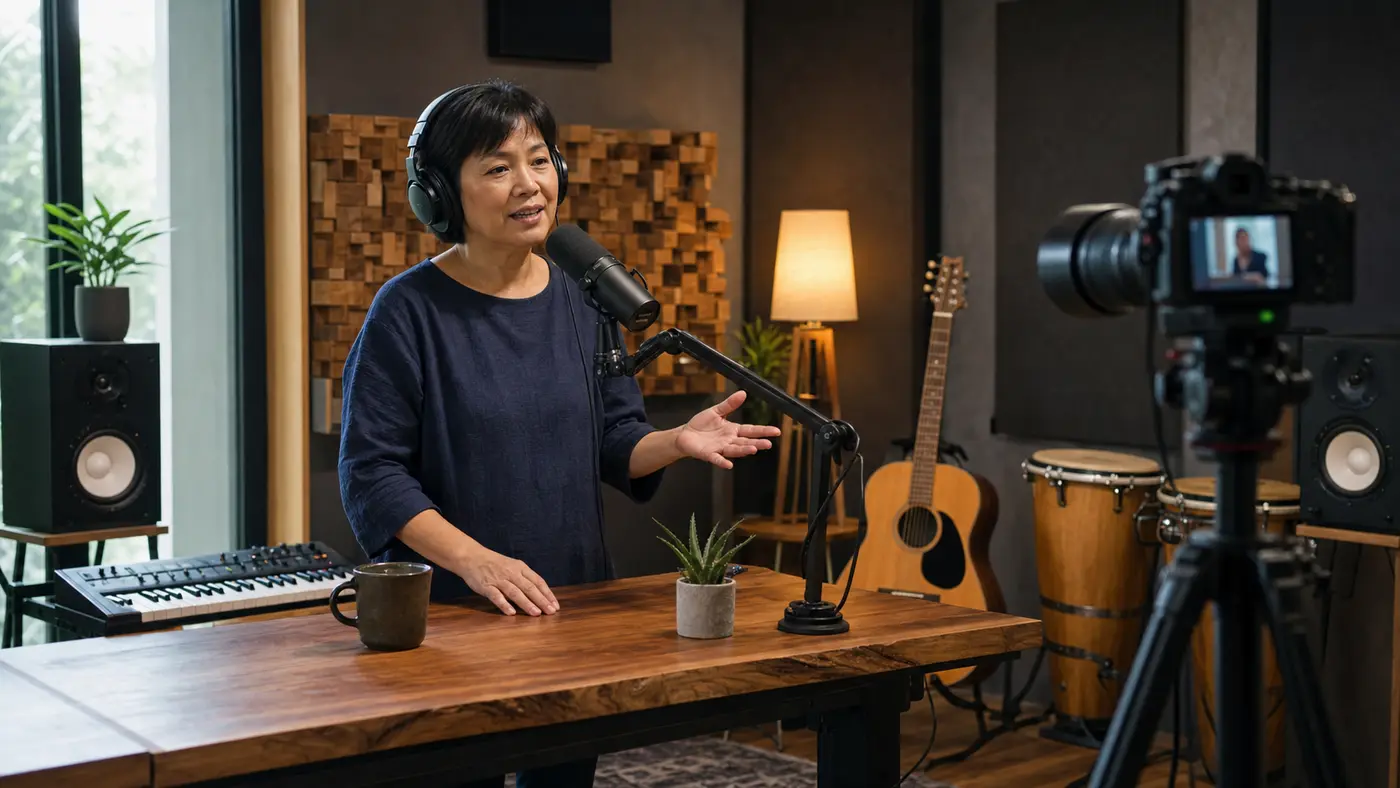
Take the singer out, keep the stage
Pull the vocal off a song and what is left is an open lane. The band, the beat, the arrangement, all still there, with the one slot the original singer filled now empty. That empty slot is the whole point, because it is where your voice, a new singer, or a narrator goes. You upload a track and get that backing back, cleared for something new. The split runs both ways, so the vocal you removed comes back too, but here the instrumental is the prize: a stage that keeps the song and loses the person who was standing on it.

Why make your instrumental here
An instrumental maker that clears the lane cleanly, keeps the real production, and lets you decide how hard to hunt the leftover vocal.
A real backing, not an imitation
You keep the actual instruments and mix of the song, just without the singer. That beats a synthetic re-creation for anyone covering or performing the real track.
Made to be built on
The cleared vocal slot is the feature. A new voice, a cover, a narration, or a fresh topline goes exactly where the old singer was.
It hunts the vocal ghost
Leftover vocal is what wrecks a karaoke track. Higher Echo tiers chase that residue out of the gaps, so the backing reads as clean, not haunted.
The acapella rides along
Removing the vocal still hands it back to you. One split, and you have both the instrumental you came for and the isolated vocal if you ever want it.
Free to strip and check
Echo Basic costs nothing, so you can run a track, listen for residue, and only spend a tier on the songs that actually need it.
Or start from nothing instead
No source song to strip? The AI Music Generator writes an original instrumental from a description, so the toolkit covers both the stripped and the from-scratch route.
Full Toolkit
Around the backing track
An instrumental is a middle step. The rest of SunoPrompt covers what comes before it and after it.
AI Music Generator
Want a backing that never had a vocal to begin with? This writes an original instrumental from a description, no source song needed. The from-scratch answer when stripping a track is not what you are after.
Acapella Extractor
The other half of the split. When it is the voice you want and not the music, the Acapella Extractor keeps the vocal and drops everything else.
Prompt Generator
Free tool for describing a sound in structured terms. Handy when you are building a new track to pair with the instrumental and need the production spelled out.
Explore more
Who needs the vocal gone
Karaoke and cover singers
You want the real backing of a song to sing over, not a cheap imitation of it
A karaoke night needs the track without the guide vocal
You are recording a cover and want the original instrumental under your take
What the Instrumental Maker does
The Instrumental Maker removes the vocal from a song you bring, leaving a clean instrumental you can sing over, cover, or place under a video, with the isolated vocal returned from the same split.
An instrumental is the song with the singer gone
To be exact about the word: the instrumental here is the original recording with the lead vocal taken out, not a cover band's version and not a fresh composition. Every instrument and production choice stays; the voice is what leaves. What you get is the actual backing of the track, ready for a different voice to step in.
Sung over, or sitting under
An instrumental has two jobs, and they ask different things of it. Something goes on top when you cover the song, run karaoke, or write a new topline. It sits underneath when it scores a video, beds a podcast, or fills a space where the original lyrics would talk over your host. The same clean strip serves both, so decide which you are doing before you judge the result.
The tell is leftover vocal, not missing music
People expect the instruments to vanish; they rarely do, and that is not the failure to watch for. The real giveaway of a weak strip is a vocal ghost, a faint word or melodic smear where the singer used to be. It shows up most in the gaps between phrases. A higher Echo model hunts that residue, which is why dense, vocal-forward songs are the ones worth spending a tier on.
Stripped from a song, not built from scratch
This tool makes an instrumental by removing a vocal, so it needs a real song as input and gives you that song without the singing. If what you actually want is original backing music that never had a vocal, that is the AI Music Generator, which writes an instrumental from a text description. Two different needs, two different tools, easy to mix up by name alone.
Which model for which mix
Match the tier to the arrangement, not to habit. Echo Basic handles a spacious song where the vocal sits clearly on top, at no cost. Reach for Echo Advance or Echo Pro when the vocal is layered, harmonized, or soaked in effects, because that is exactly when residue survives the free pass and a deeper separation pays off.
How it differs from other instrumental tools
It is a stage, not a sample. The instrumental is made to carry a new voice on top or sit under narration, rather than being chopped into pieces the way an acapella is.
It removes a real vocal, it does not fake a backing. You get the actual production of the song minus the singer, not a synthetic imitation of it.
The residue is what it fights. Higher Echo tiers go after the vocal ghost left in the gaps, which is the thing that ruins a karaoke track.
The same run hands you the acapella too. Strip a song for its instrumental and the isolated vocal comes back in the bargain.
Free to hear before you pay. Echo Basic strips at no cost, so you can check a track for residue before deciding a tier is worth it.